If you’re building a house or gutting one down to the studs, you have a one-time opportunity that every smart home owner in an older house openly envies: walls that are open. Every cable run that costs $20 now costs $500 and a drywall patch later. This guide is the conversation to have with your builder before the insulation goes in.
The principle behind all of it: wires age better than wireless. Wi-Fi standards turn over every few years, but a good cable in the wall outlives the mortgage.
The Network Backbone Comes First
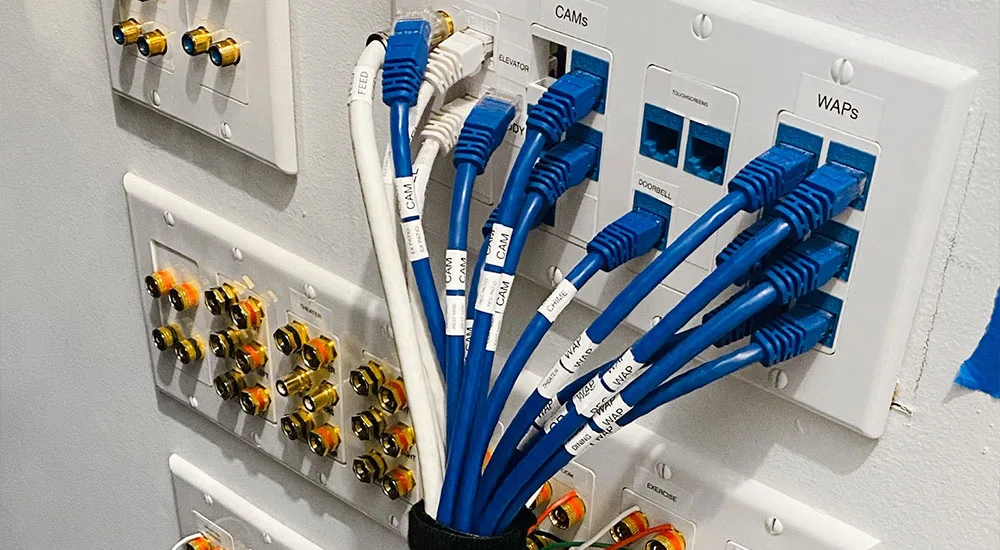
Everything in a smart home rides on the network, so this is where the planning money goes. Run Cat 6 at minimum, which carries 10 gigabit over typical home distances, and put a hardwired ethernet port everywhere a device might live a stationary life: the office, every TV location, primary bedrooms, and the kitchen. Wireless is for phones and sensors; anything that stays put performs better on copper.

Two cheap upgrades with outsized payoff. First, have the electrician pull a run to the ceiling at each end of the house for wireless access points, which is how you get strong, even coverage instead of a router screaming from one corner. Second, install empty conduit between floors and to a few strategic spots. Conduit is the cheapest insurance in home construction: whatever cable standard wins in 2035, you can pull it through without opening a wall.
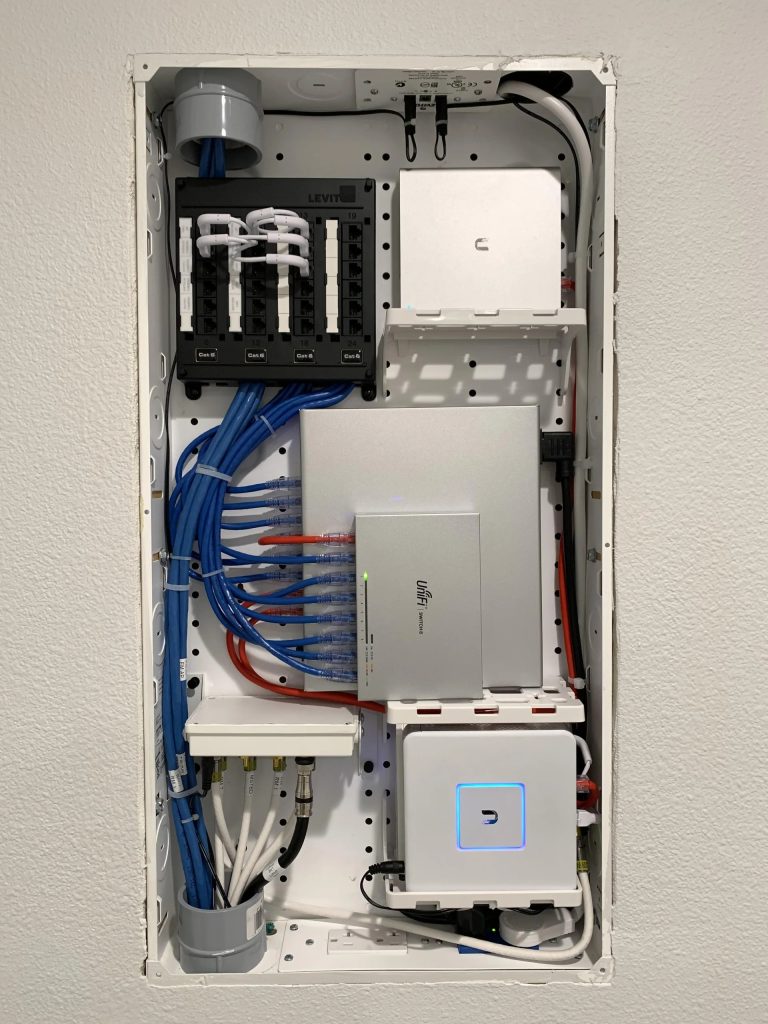
All of it should land in a centralized panel in a climate-controlled utility space, not the garage where summer cooks the equipment. I went deeper on the moving parts in the smart home networking guide.
Electrical Decisions You Can Only Make Now
Ask for dedicated circuits where the heavy hitters will live: EV charger, tankless water heater, any future hot tub ambitions. Add a whole-home surge protector at the panel, which costs little during construction and protects every smart device you’ll ever buy. If backup power matters to you, this is also the moment to rough in the transfer switch for a generator or battery.

For switches and outlets, the decision isn’t which smart switch to buy today, it’s making sure neutral wires land in every switch box (some builders still skip them) so that any smart switch works later. If you want centralized lighting control, the panel and low-voltage runs for it happen at framing time, full stop. Pre-wire low-voltage for under-cabinet lighting while the kitchen walls are open.
Sensors, Security, and the Stuff Behind Walls
Pre-wire door and window sensors at every entry, motion sensors in hallways and utility spaces, and put wire where cameras and a video doorbell will mount, even if you plan to start with battery models. Wired devices never need charging and never drop off the network at the worst moment. The same logic applies to a thermostat: run extra conductor to the thermostat location and pull wire for remote temperature sensors in the rooms that always run hot or cold.
If you’re planning a monitored security system, tell the integrator before drywall. Retrofitting contact sensors invisibly is exactly as fun as it sounds. For choosing the monitoring approach itself, including skipping the monthly fee entirely, see the no-subscription security guide.
Entertainment: Speakers Live in Ceilings Now

In-ceiling and in-wall speakers are the single most painful retrofit on this list, so decide now. At minimum, wire the main living space for surround and pull speaker cable to wherever music happens: kitchen, patio, primary bath if you’re honest with yourself about your shower concerts. Pull it even if the speakers come years later; cable in the wall waiting for a budget beats a budget waiting on a drywall contractor.
Outside: Where Conduit Pays Twice

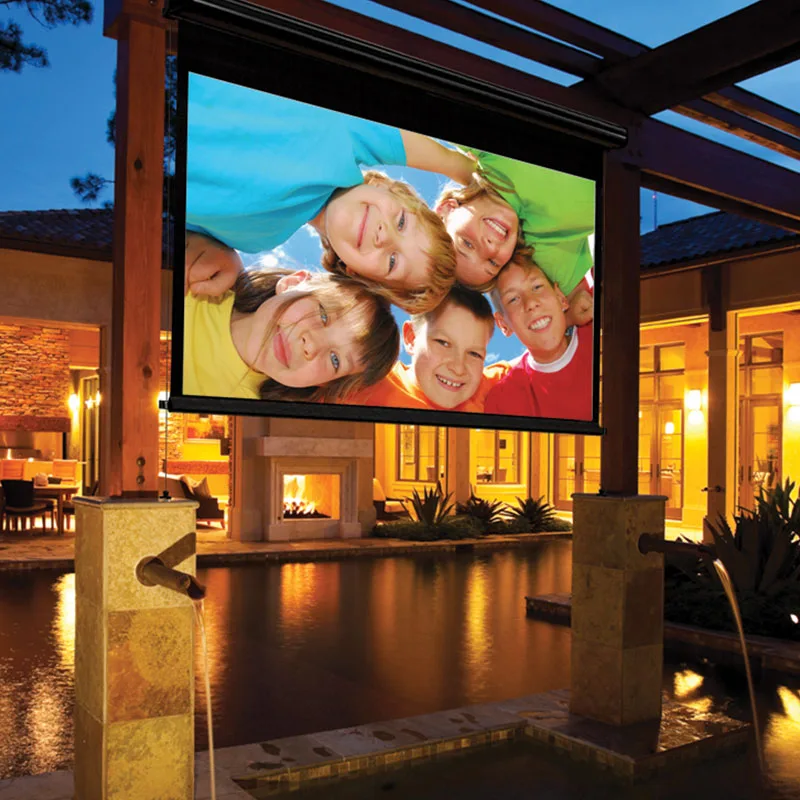
Run power and conduit to the spots outdoor living eventually claims: the patio, the future fire pit, the corner of the yard where a projector screen might appear some Fourth of July. Pre-wire for landscape lighting and irrigation control while trenches are open, because trenching twice is a hobby nobody chooses. The smart garden setup and outdoor lighting guide cover what eventually plugs into all of it.
Gates, exterior cameras, and a doorbell all want wire too. Outdoor Wi-Fi is achievable, but outdoor ethernet is dependable, and the price difference during construction is a rounding error.
What I’d Tell the Builder, In One Paragraph
Cat 6 everywhere a device sits still, ceiling runs for access points, conduit between floors, a networking panel somewhere climate-controlled. Neutrals in every switch box, dedicated circuits for the big appliances, whole-home surge protection. Speaker wire to the rooms that matter, low-voltage pre-wire at entries and camera spots, and power plus conduit to the yard. None of it is glamorous, and all of it is the difference between a smart home and a house full of extension cords.
For what to actually install once the walls close up, start with the $500 starter guide and check everything against Matter compatibility so the platform choice stays reversible. And if the project outgrows DIY, here’s how to pick an installer without getting soaked.