By Chris, HomeKit enthusiast in the Chicago suburbs, someone whose old house taught him that owning your security system means actually owning it.
$1,440 a Year. Let That Sit for a Second.
Let’s start with the number nobody wants to look at: $1,440 a year.
That’s what you’re paying for professional monitoring with Vivint or ADT. Forty bucks a month sounds reasonable in 2026 money until you do the math your teenage kid could do on a napkin.
Over three years: $1,440 in monitoring alone, not counting the hardware lease they buried in the contract. Five years: $2,400. Ten years if you’re somehow still paying: $4,800. For the privilege of letting someone else own your security camera and charge you rent on it.
Go read the top post on r/homesecurity right now. It’s probably about Vivint. It’s always about Vivint. People in that thread are doing the same napkin math, except they’re doing it after they’ve already signed a three-year contract and the bastards won’t let them out without a $500 early termination fee. One user posted that she paid $2,847 total over 36 months for a system that cost $400 to make. Another ran the numbers on ADT and hit $3,100 by year three.
This article exists because that math deserves better. Because home security shouldn’t require you to feel like a chump.
How the Trap Snaps Shut
The business model is elegant. Predatory, but elegant.
Hardware is cheap now. A 4K security camera costs maybe $80 to manufacture. Installation used to drive prices up. Now you’re doing it yourself on a Saturday. So the companies that built their empires on truck rolls and service calls got creative. They don’t sell you security. They sell you recurring revenue with security attached.
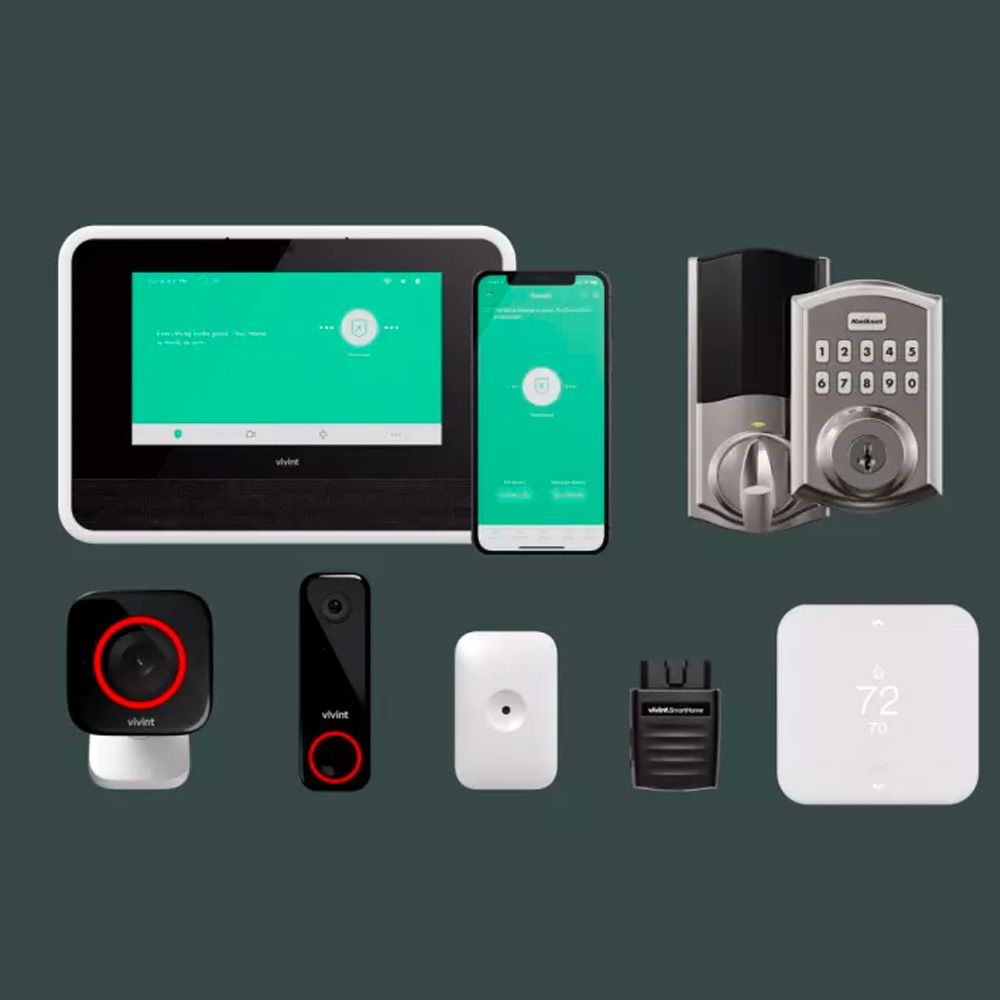
Here’s how the trap snaps shut. You call Vivint because their ad said something about peace of mind. They quote you a system. The hardware is “included.” They don’t mention it’s leased, not sold. The equipment fee is rolled into the “monitoring” cost, which makes it impossible to see where the con ends and the service begins. Contract term: 36 months.
Then comes the retention specialist call. This person has one job. Not to keep you safe. To keep you on the hook. They’ll offer a discount. “We can bring that down to $34 a month.” Now you’ve got a reason to stay, except you don’t. You’re still locked in.
Early termination fees exist because these companies have done the math on churn. They know some of you will get smart to it. They’re charging $500 to leave because that’s how much profit they calculated you’re worth. It’s not a penalty. It’s a hostage negotiation.
And the equipment. You never owned it. You’re paying $15-20 monthly lease on a camera that costs $80. Do that for 36 months and you’ve paid $540-$720 for something you can buy outright for a fraction of that. If you leave, you return it. If you stay, you’re still paying rent on hardware that’s ancient by month 84. The company doesn’t care. They’ve already extracted three years of profit.
It’s not a security system. It’s a subscription with an alarm attached.
Three Years of Vivint vs. Buying Your Own Gear
Let me show you the difference in real dollars. No marketing, no bundled pricing, just addition.
Vivint/ADT Scenario (36 months)
Eufy S380 One-Time Purchase
Wyze Budget Build
The delta is stark. Vivint takes nearly four times what Eufy costs for the same three-year period. For the price of one year of Vivint monitoring, you own two completely different systems with Wyze and still have change left.
What to Buy (Organized by How Much Cash You Have)
Home security doesn’t have a one-size-fits-all price. Neither should your options. Here’s how to think about it.
If You Have $500+: The Complete Setup
You’ve got the budget for a real system that will outlast your mortgage. This tier gets you professional-grade hardware, expandability, and the kind of video quality that actually identifies people instead of showing you a blur.
Eufy Security S380 with HomeBase 3
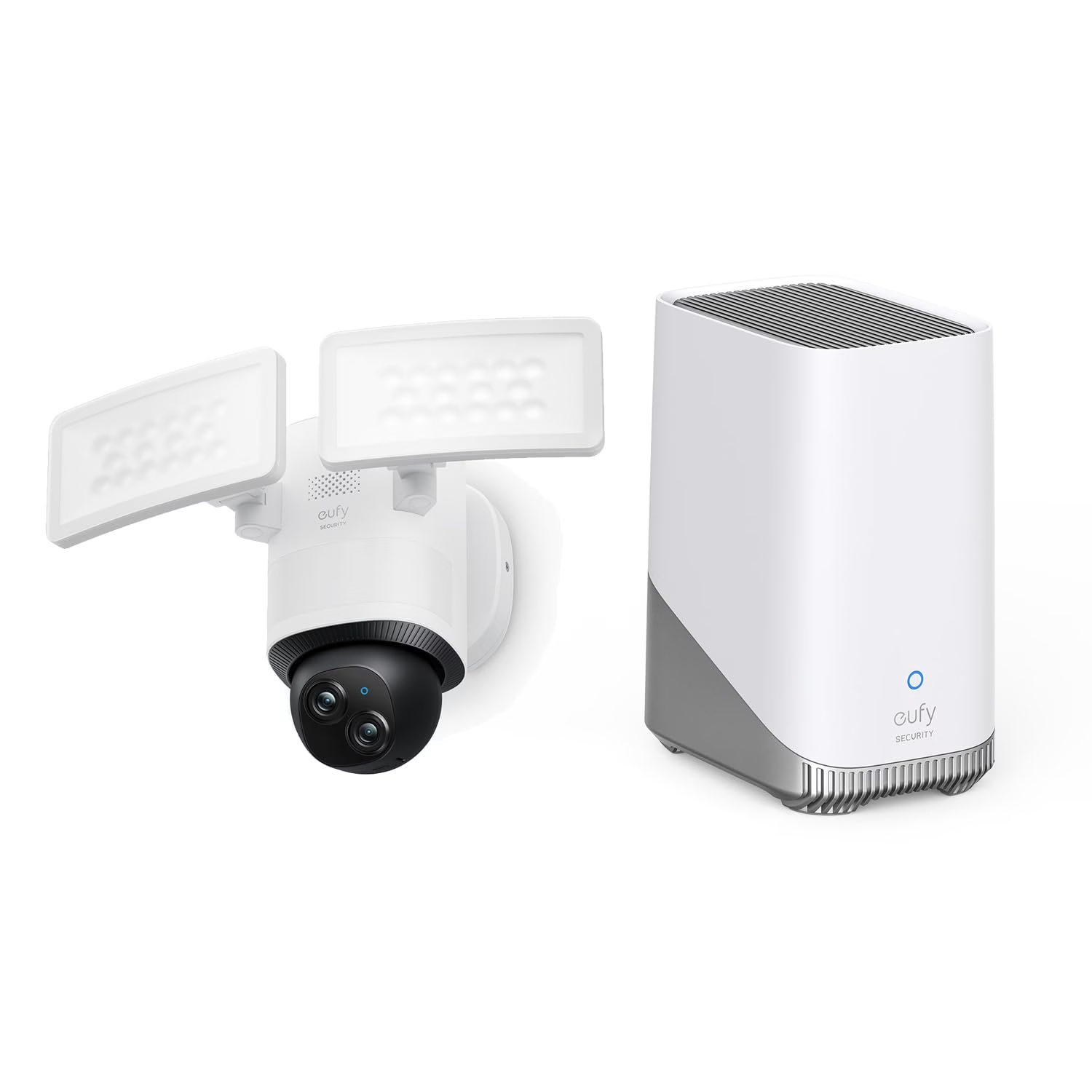
This is the system I run at my place. Two 4K cameras, local storage, HomeKit integration, the whole setup for about $380. The HomeBase 3 is where the magic happens. It stores video locally on a microSD card or a NAS drive you connect to it. Nothing leaves your house unless you want it to.
Best for: Homeowners who want professional quality without the subscription anchor.
Keep in mind: Setup requires some comfort with networking (though it’s not hard). Outdoor cameras need weatherproof mounting. You’re responsible for your own monitoring and alerts.
Price range: $380-500 (with one extra camera)
Lorex 4K NVR System
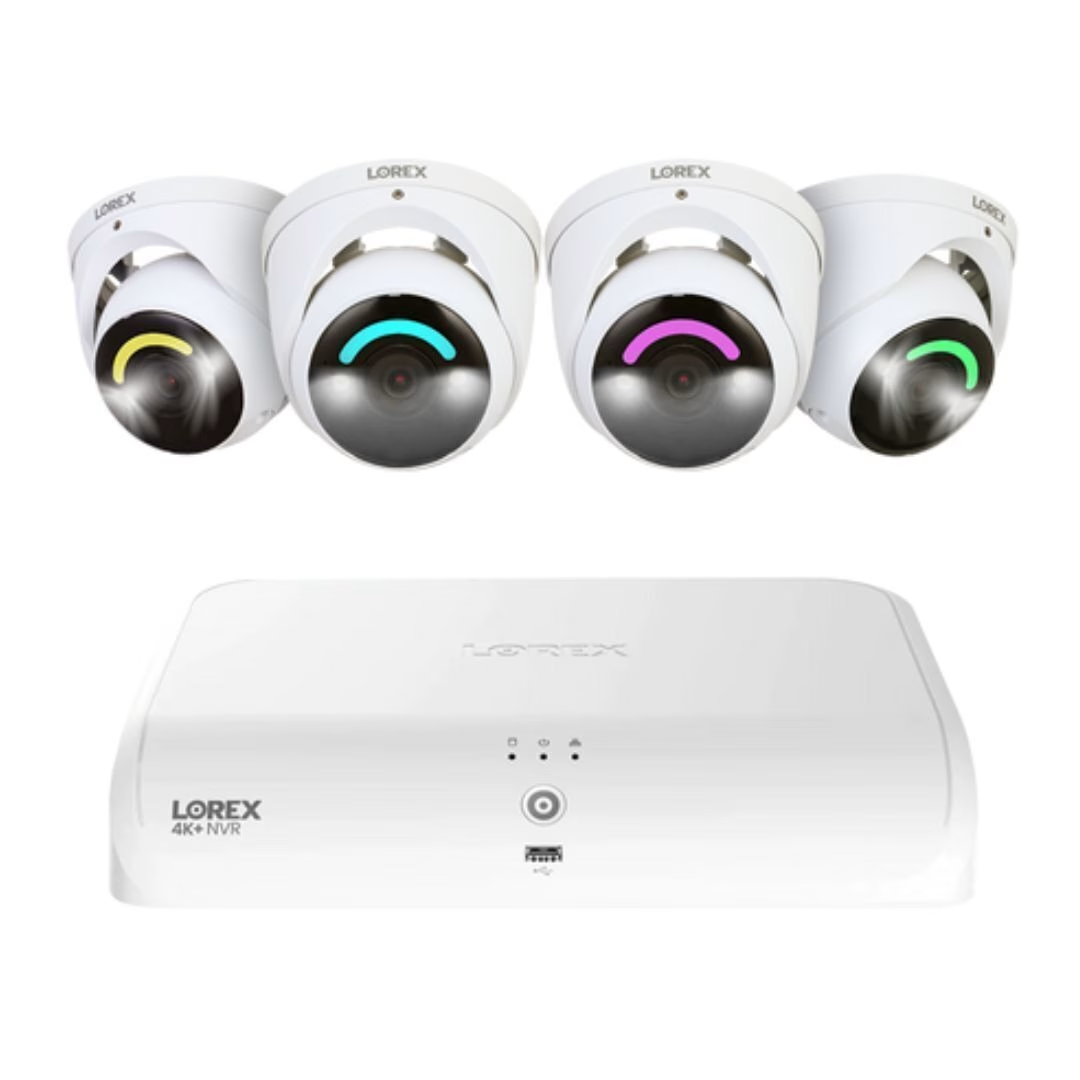
If you want more cameras from day one and don’t mind wired installation, Lorex’s NVR systems are built for that. Four 4K PoE cameras included, hard drive storage, no cloud dependency. Wired means more reliable than WiFi. It’s the professional’s choice, and prices have come down enough that homeowners can afford it now.
Best for: People with older houses (or patience) who can run Ethernet, or those wanting full coverage immediately.
Keep in mind: Wired installation is labor-intensive. The NVR is bigger than the Eufy HomeBase. Learning curve on the interface is steeper than consumer-friendly options.
Price range: $650-700
If You Have $200: The Balanced Choice
Most people live here. You want something that works without feeling cheap, but you’re not dropping $500 on a hobby. These systems hit the Goldilocks zone.
Reolink Argus 4 Pro
A battery-powered camera that actually works. Most battery cams are useless. This one isn’t. 4K video, 10 weeks between charges (real-world), person detection, local storage to microSD. You can put it anywhere. No wires, no hub required, but you can add one if you want. It pairs well with a video doorbell to cover your entry points.
Best for: Renters, people who can’t run wires, anyone who wants flexibility over commitment.
Keep in mind: It’s rechargeable, and the real-world cycle is about ten weeks before it asks for the cable. Live view requires the mobile app. Cloud backup is optional but makes sense for a mobile camera.
Price range: $150-200
Abode Smart Security Kit
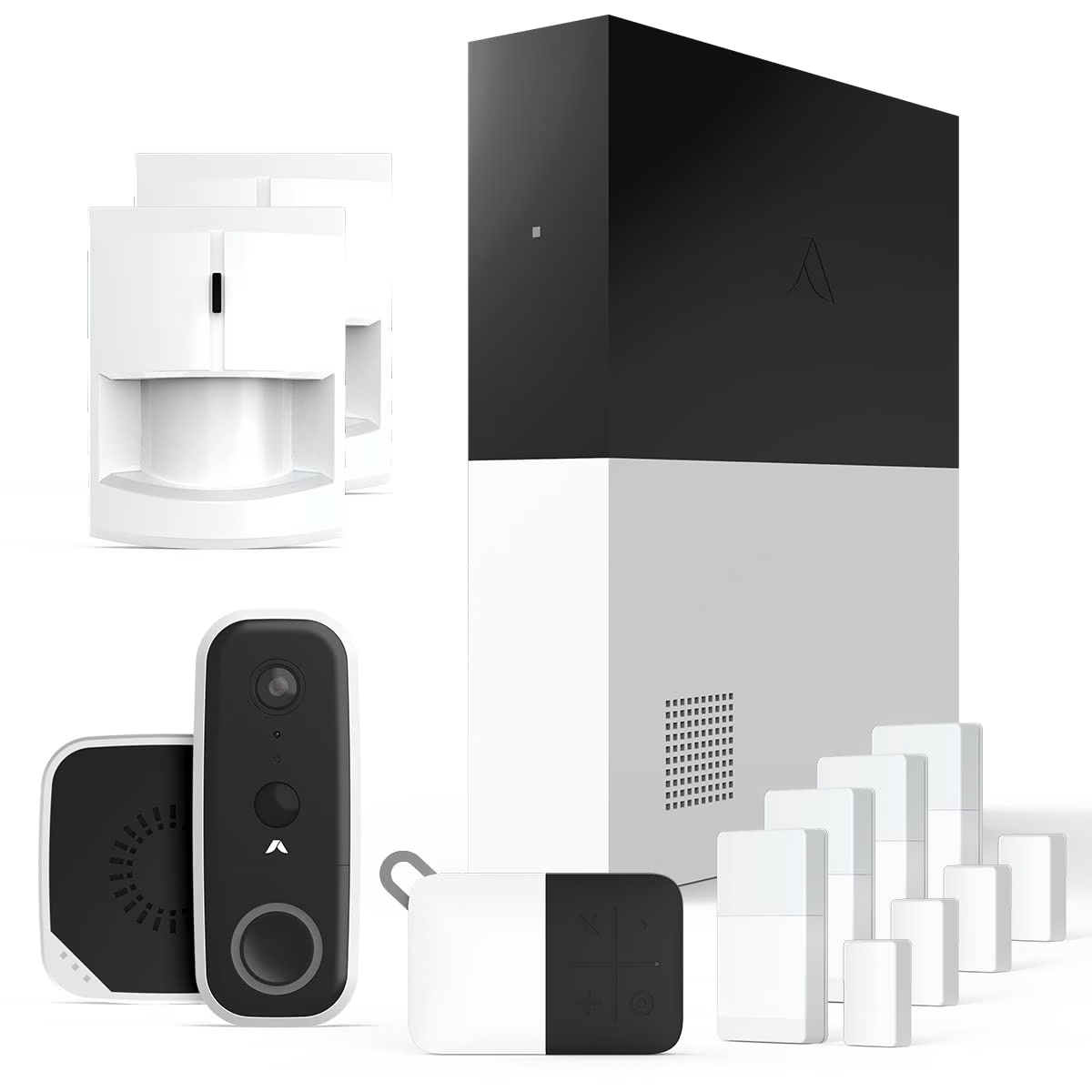
This is the weird middle option that actually works. Abode uses a hub, door sensors, motion sensors, and a camera. You get self-monitoring through their app or email alerts. No contract. No fees. You can add professional monitoring if you want it later, which is the opposite of how the subscription trap works. The door and motion sensors integrate well with the hub for coordinated alerts.
Best for: People who want a complete system but hate long-term commitments and marketing BS.
Keep in mind: Their cloud is mandatory (no local storage option). They’re smaller than Eufy or Ring, so community support is less dense. Professional monitoring is $20/month if you want it later.
Price range: $230-280
If You Have $50-150: The Scrappy Tier
Budget doesn’t mean bad. These aren’t camera-shaped decoration. They work. They’re just not going to feel premium.
Wyze Cam v4
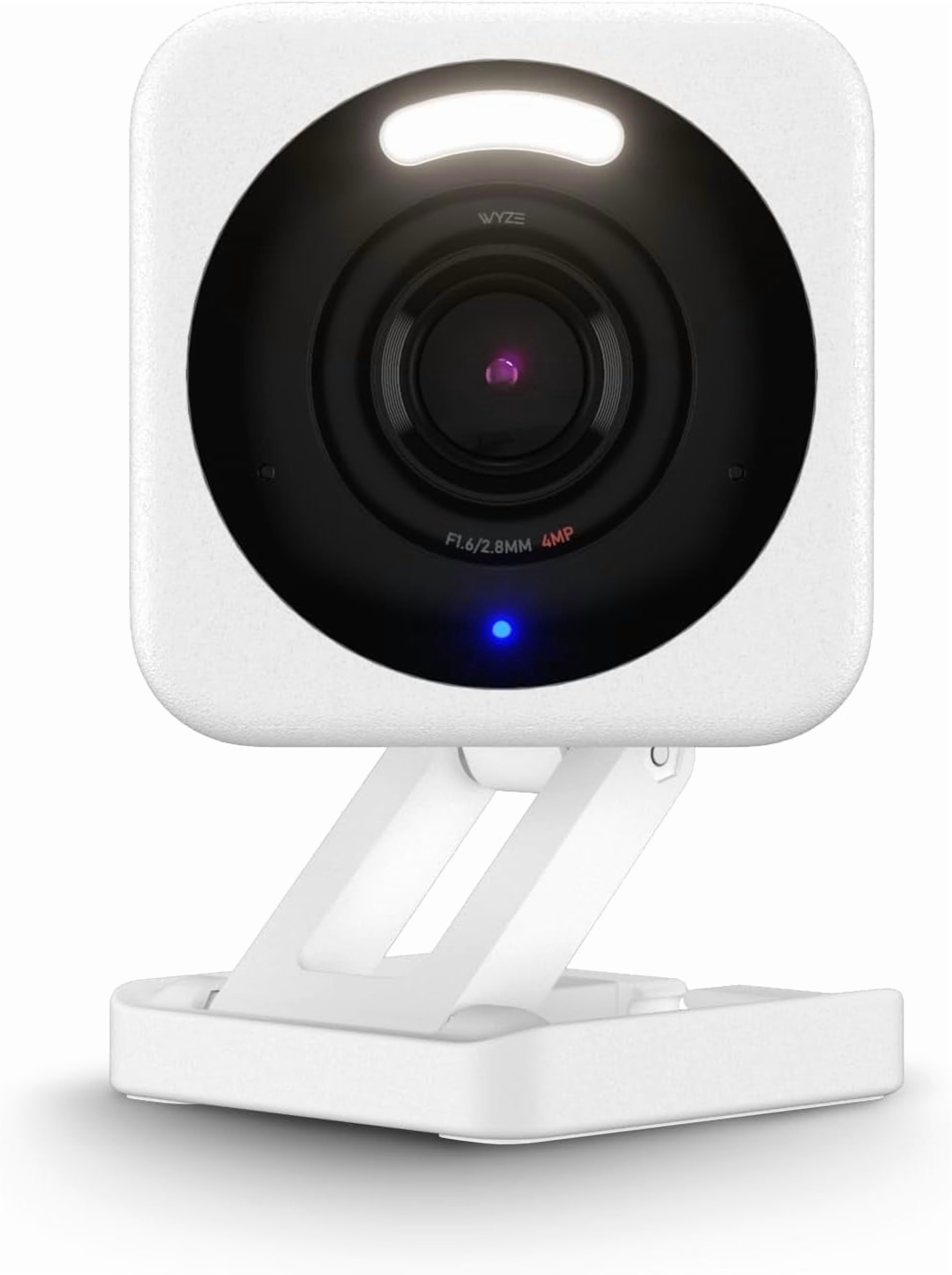
For the price, there’s nothing that beats this. 2K video (not 4K, but sharp enough), 6mm lens for detail, infrared night vision, color night vision that actually works, person detection on the local device (not cloud-dependent). $35 a camera means you can afford redundancy. Buy two. Buy four.
Best for: Budget-conscious renters, people covering multiple angles, anyone building a system camera by camera.
Keep in mind: Cloud storage through Wyze is $1.99/month per camera (optional). WiFi-dependent. The app is functional but not beautiful. Night vision is IR, so it looks spooky.
Price range: $30-40
TP-Link Tapo C113
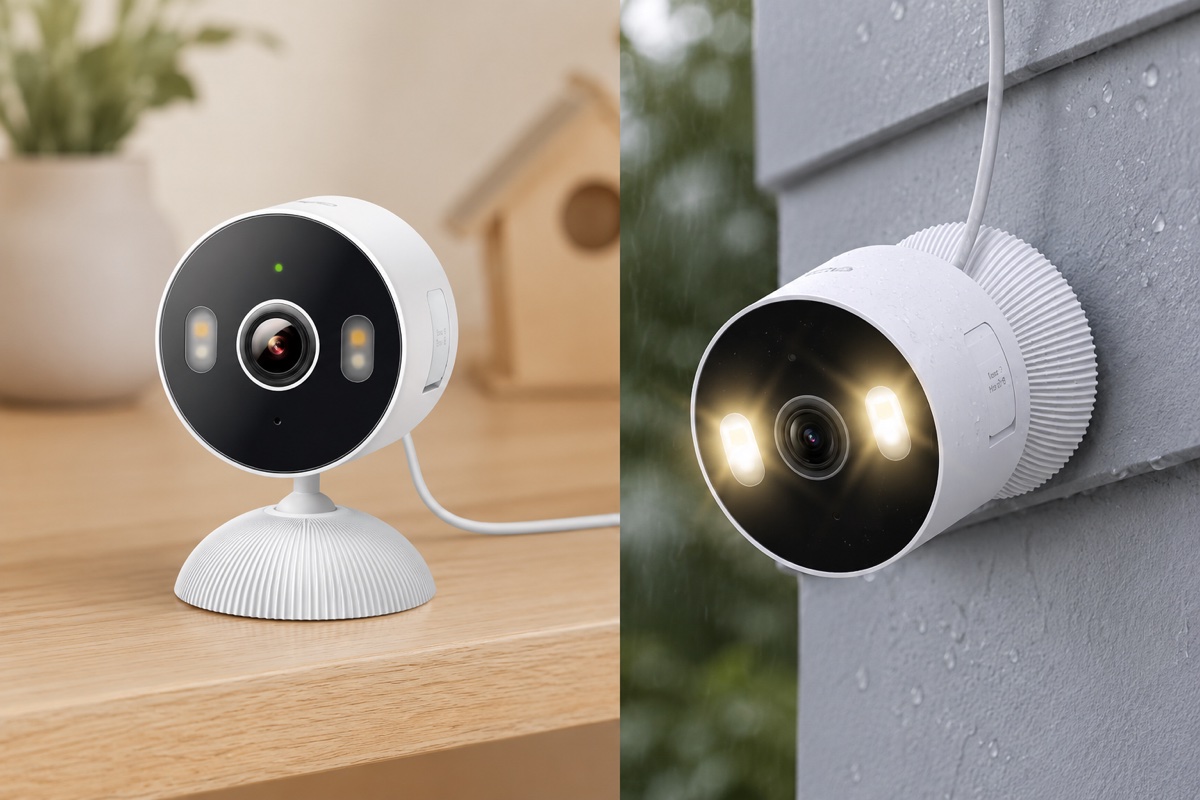
Tapo is TP-Link’s budget smart home line. This camera is weatherproof, does 2K, has decent person detection, and they’ve added local storage support. The color rendering is accurate. The price is about $25. It’s not going to change your life, but it will show you what’s happening at your front door.
Best for: First-time camera buyers, apartment dwellers, anyone testing the waters before spending more.
Keep in mind: Local storage requires a microSD card (not included). The app is basic. WiFi reliability varies by router.
Price range: $25-35
Ring Alarm: Yeah, I Know. Hear Me Out.
Ring is Amazon. You know this already. Their privacy record is complicated. They share footage with police without warrants sometimes. But if you turn off cloud storage, disable their optional monitoring service, and use self-monitoring mode only, Ring Alarm is a functional system for $100-200.
The reason I’m mentioning it: if you already have Ring cameras and you’re comfortable with their ecosystem, their alarm system actually works in self-monitored mode. No subscription required. No professional monitoring. Just alerts to your phone when doors open or motion triggers.
Is it the best choice? No. Does it work if you’re already in the Ring ecosystem and you ignore the “upgrade to professional monitoring” nags? Yeah, it does. I mention it because some of you reading this already have Ring and didn’t realize you don’t actually need their service plan.
The Apartment Dweller’s Playbook
Most renters security is impossible because landlords hate holes and leases prohibit wires. Here’s what actually works:
Start with battery-powered cameras. Reolink Argus 4 Pro or Wyze Cam v4 on a suction cup mount. Both go up in 60 seconds, leave no damage, and come down just as fast. Layer in smart locks and door sensors through a hub like Abode or a standalone WiFi sensor from Wyze. These stick to the frame, no installation required. Motion sensors are optional but useful for hallways or high-value rooms.
The whole renter security stack is under $300 and fits in a box you carry to your next apartment. No landlord can object to removable cameras and adhesive sensors. You’re not modifying anything. You’re adding your own locks and lights, which you can do with any rental in 2026.
One tactical thing: document your setup in photos before you move in. If the landlord claims you damaged something you didn’t, you have evidence. If they try to keep your deposit, you have proof of your equipment. It’s the opposite of the subscription trap. You own it, you control it, you take it with you.
Frequently Asked Questions
Q: Do I really need professional monitoring?
A: No. Self-monitoring means you get notifications and you decide if it’s an emergency. For 99% of homeowners, this is fine. Professional monitoring ($15-50/month as an add-on) only makes sense if you’re away frequently and want someone calling the police when an alarm triggers. Most systems in this guide support that as optional, not required.
Q: What happens if my internet goes down?
A: Depends on the system. Hardwired systems like Lorex work completely offline. Battery systems like Reolink continue recording locally. Systems with hubs like Eufy or Abode can still arm/disarm locally but lose remote access. Most still record footage locally. You just can’t check it remotely until internet returns. That’s honestly fine for home security.
Q: Can I integrate this with my smart home stuff?
A: Most of these systems work with Alexa, Google Home, or HomeKit. Abode and Eufy are best here. They let you automate responses like “when the motion sensor triggers, turn on the porch light.” It’s not necessary but it’s useful once you have it set up.
Q: Is local storage really safer than cloud?
A: Safer in a different way. Cloud storage is encrypted and redundant, but it’s also accessible to employees, subject to subpoena, and dependent on the company not going bankrupt or getting bought by someone worse. Local storage is only as safe as your network security, but nobody else has access. Pick your poison. Local is more private. Cloud is more protected against hardware failure.
Q: What if one of these companies goes under?
A: With local storage, you still have your footage. Your system keeps working. You might not get updates, but it continues functioning. That’s the benefit of subscription-free. With cloud-dependent systems, losing the company means losing access, which is why this article emphasizes local storage options.
Q: Can I really avoid all monthly fees?
A: Yes, completely. Every system in this guide functions with zero monthly costs forever. Optional professional monitoring exists on some, but it’s not required. If someone tells you it’s required, they’re lying to you in the interest of capturing your wallet for the next decade.
Your House, Your Cameras, Nobody Else’s Problem
Buying your own security system means you become the person responsible for it. No tech support line to call. No retention specialist to sweet-talk. No truck roll service. That scares some people. For others it’s the whole point.
I’ve talked to people running Eufy cameras that stopped getting firmware updates two years ago. They still record video. Still alert their phones. Still sit on their network without calling home to Amazon or anyone else. No permission needed to check footage. No subscription to keep cameras running. No contract to negotiate out of because there is no contract.
The subscription trap works because fear is profitable. Fear of the break-in you missed. Fear of the company that’ll switch off your service if you miss a payment. Fear that you picked the wrong deal.
The alternative is cheaper, simpler, and puts you in charge. Pay once. Own it. Be responsible for it. Three years from now when the Vivint bill would still be showing up, your gear is still free. Five years, still free. Ten.
That’s it. That’s the whole pitch.