Home > Your Lights Are Gaslighting You. Here’s the Fix.
Your Lights Are Gaslighting You. Here’s the Fix.
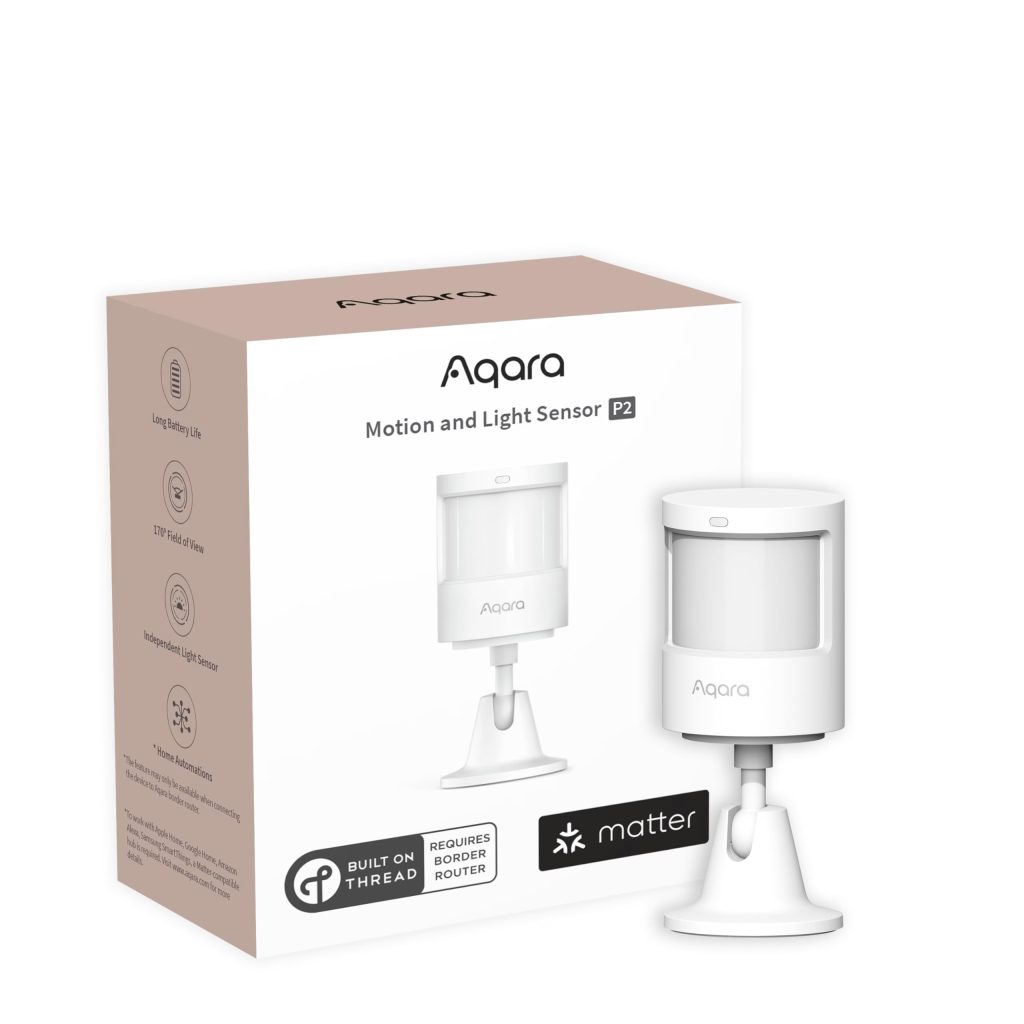
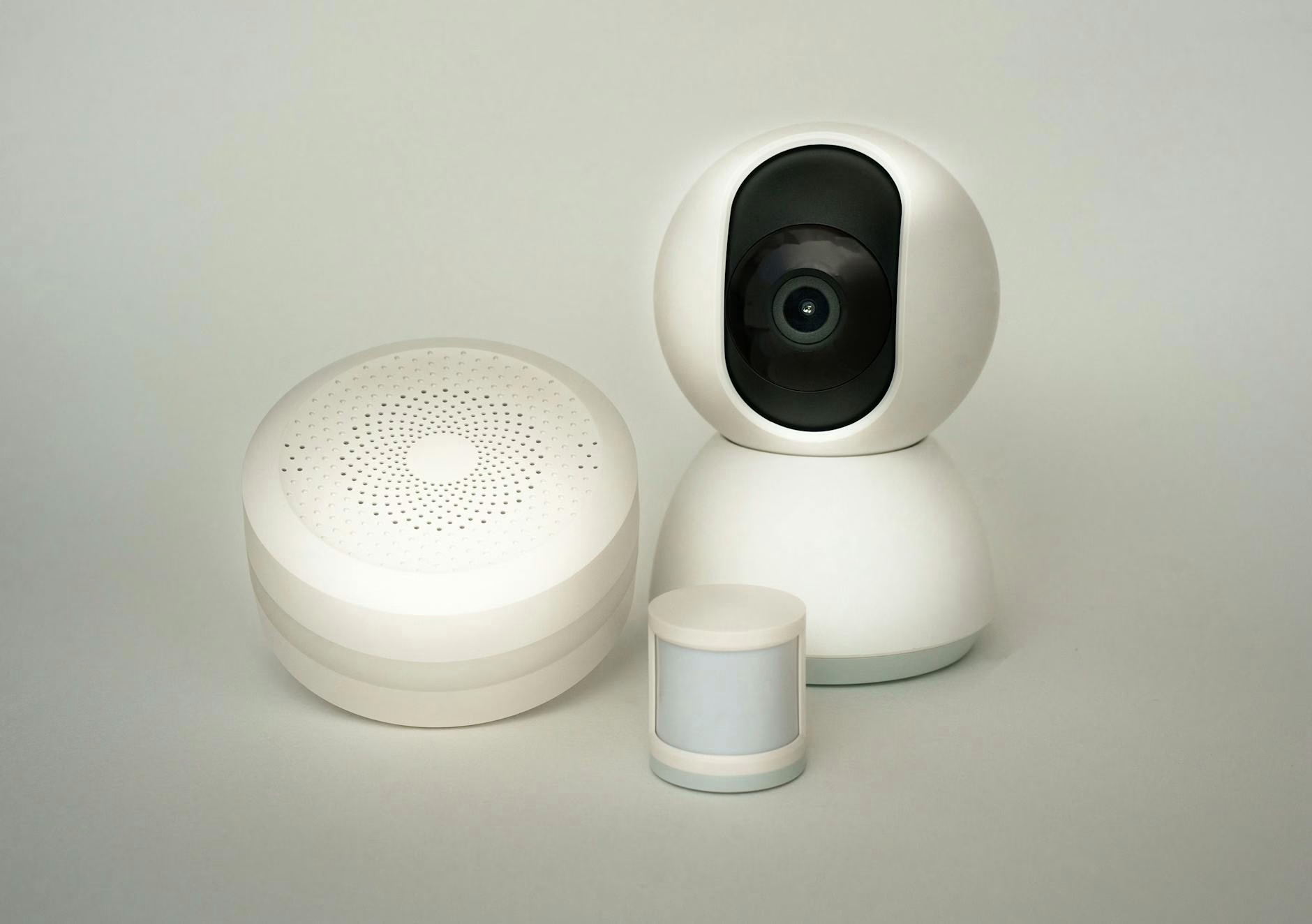
This is the oldest complaint in smart home forums, and it’s been there since day one because the sensors most of us are using were never built for this problem. Traditional motion sensors (the kind in probably 80% of smart home setups) use passive infrared technology. PIR sensors detect heat signatures moving across their field of view. Key word: moving. If you’re sitting still in your recliner, your heat signature is stationary. As far as your PIR sensor is concerned, nobody’s home.
People have been working around this for years. Setting timers to 20 minutes. Waving their arms around. Adding a second sensor at a different angle. It’s all duct tape on the real problem.
The real solution has existed for a while in commercial setups, but the hardware has finally gotten affordable enough, and Matter-compatible enough, that it makes sense for regular homeowners: millimeter wave radar presence detection. mmWave, if you want to sound like you know what you’re talking about.
PIR vs. mmWave: The Actual Difference
PIR sensors detect changes in infrared radiation in their field of view. When something warm moves through the zone, it registers. The fundamental limitation is that motion requirement. Sit still and you disappear.
mmWave (millimeter wave) radar sends out radio frequency signals in the 24–77 GHz range and listens to what bounces back. The signals are precise enough to detect micro-movements like breathing, subtle posture shifts, the chest rise of someone sleeping. You can be completely motionless and an mmWave sensor still knows you’re there. This is the same technology car manufacturers use for blind-spot detection and hospitals use for non-contact patient monitoring. Consumer smart home hardware is only now catching up.
The other advantage: zone detection. Most mmWave sensors let you define specific detection zones within a room. Want to exclude the doorway so foot traffic in the hallway doesn’t trigger your living room lights? Done. Some sensors support up to 30 individual zones in a single space, which opens up automations that a PIR sensor couldn’t touch. This has been a big topic in smart home sensor discussions lately, and for good reason.
The Aqara FP2: Where Most HomeKit Users Should Start
Aqara Presence Sensor FP2
The FP2 has been the reference point for mmWave presence detection in the HomeKit ecosystem for over a year, and it still holds up. Aqara built something genuinely useful here: a sensor that connects directly over Wi-Fi (no Aqara hub required), integrates natively with HomeKit, Alexa, Google Home, and Home Assistant, and delivers the kind of reliable detection that makes automations actually work.
Coverage: up to 40 square meters with up to 30 configurable detection zones. It detects up to five people simultaneously, something a PIR sensor could never do. There’s also a built-in light sensor for lux-based automations, fall detection mode for households with elderly family members, and an IPX5 waterproof rating for bathroom placement. Power is via USB-C. This is a wired sensor, not battery-powered, worth knowing before you buy. Plan the cable run.
People on the HomeKit forums consistently praise the detection accuracy and zone configuration flexibility. The common note: initial zone setup takes 15–20 minutes to get right. Skip that step and you’ll get false positives. Do it properly and the sensor works the way presence detection is supposed to work: reliably, without needing intervention.
Why We Recommend It: Native HomeKit without a hub, up to 30 detection zones, five-person simultaneous detection, built-in light sensor, and a proven track record in the Apple ecosystem. This is the mmWave benchmark for HomeKit users.
Shelly Presence Gen4: The New Challenger Worth Watching
Shelly Presence Gen4
Shelly announced the Presence Gen4 in late March 2026 and it hasn’t shipped widely yet, but the specs are competitive and Shelly’s Gen4 lineup has earned real credibility. Their Gen4 Plug, which brought Wi-Fi 6, Matter, and Thread to a single outlet, landed well. If the presence sensor matches that quality level, it’s a genuine alternative to the Aqara FP2.
Detection: up to 42 sq meters, up to 10 configurable zones, up to six simultaneous occupants. That six-person number is notable for larger households. Connectivity is Wi-Fi 6, Bluetooth 5 LE, and Zigbee 3.0, with Matter over Wi-Fi support. Power is USB-C at 5V, same as the FP2.
The Shelly-specific advantage worth noting: their devices run strong on local control without cloud dependency. Configuration through the Shelly app, cloud, or a local web interface, you pick. If automation latency or privacy around always-on sensors matters to you, this is a meaningful feature. Pricing isn’t confirmed at time of writing, but based on the Gen4 Plug pricing, it should be competitive.
Why We’re Watching It: Matter support, six-person detection, Wi-Fi 6, and Shelly’s reputation for solid local control. If it ships and performs like the rest of the Gen4 lineup, it’s the best competition the Aqara FP2 has seen.
Price range: TBD, expected comparable to Aqara FP2
Third Reality Presence Sensor: Budget-friendly, Matter-compatible mmWave option. Smaller detection range than the FP2, but adequate for a bedroom or dedicated office. Good choice if price is the primary constraint and you don’t need whole-room coverage.
Onvis SMS1: HomeKit-compatible mmWave sensor that’s gotten positive early user reports on detection accuracy. Less community coverage than the Aqara FP2, so edge cases aren’t as well-documented. Worth a look if you find it at a good price.
SwitchBot Hub 3: Has presence sensing capability, but it’s a hub first and a sensor second. If you’re already in the SwitchBot ecosystem, it’s worth knowing about. As a dedicated presence sensor, start with the purpose-built options.
What Changes When You Upgrade
Lights stay on while you’re actually in the room. Simple. Fundamental. The “wave your arms at the ceiling” problem is over.
Zone-based automations become practical. Different lighting scenes for different areas of the same room. A fan that activates specifically when the desk is occupied. Automations that would require multiple PIR sensors become achievable with a single well-configured mmWave sensor.
Occupancy count adds a dimension. Knowing there are two people in a room versus one versus zero lets you adjust thermostat targets, set audio levels, or trigger household-aware scenes that PIR couldn’t differentiate.
If you’re running a solid Thread border router setup and Matter-compatible devices already, mmWave presence sensing is one of the highest-leverage additions you can make. The frustration-to-fix ratio is excellent.
A Few Things to Know Before You Buy
Placement matters: Mount overhead or at a high angle for best coverage. mmWave works best with clear line of sight across the detection zone. Use zone configuration to exclude areas that would generate false positives: doorways, windows facing the street, anywhere with regular through-traffic.
Both the FP2 and Shelly Gen4 are wired. USB-C power required. This isn’t a flaw. Continuous presence detection needs continuous power, but plan for the cable run before installation.
Pets. mmWave detects presence without distinguishing humans from animals. Some height filtering is available on the FP2, but large dogs will still cause occasional false positives in the detection zone.
Zone setup takes patience. Budget 15–20 minutes on initial configuration. The automations will be significantly better for it. Don’t skip this step and then be surprised by false positives.
Frequently Asked Questions
Q: Do I need to replace my existing PIR sensors?
A: No. You can run both. In rooms where you want reliable occupancy detection, let the mmWave sensor be the primary trigger. PIR sensors can stay in other areas or serve as supplemental coverage. No need to rip everything out.
Q: Does the Aqara FP2 require an Aqara hub?
A: No. The FP2 connects directly over Wi-Fi and integrates with HomeKit natively without an Aqara hub. This is one of its main advantages: most other Aqara sensors require a hub for HomeKit access. The FP2 is the exception.
Q: Is mmWave radar safe?
A: Yes. Signal power levels in consumer presence sensors are extremely low, well below established safety thresholds. This technology has been in automotive, medical, and commercial building applications for years without safety concerns at consumer power levels.
Bottom Line
If you’ve got a working smart home setup and you’re still relying on PIR sensors for room automations, mmWave presence sensing is the upgrade that reduces daily friction more than almost anything else you can add. Not a new hub, not another display, not another voice assistant. The sensor that actually knows you’re in the room.
The Aqara FP2 is the right call for most HomeKit users right now: proven hardware, native HomeKit without a hub, solid community documentation for troubleshooting, and a price that’s reasonable for what it does. Watch the Shelly Presence Gen4 as it rolls out. If early reviews match the spec sheet, it becomes a strong alternative particularly for setups where local control matters.
Get tips, product picks, and automation guides delivered weekly.
Links on this page may earn us a commission on qualifying purchases, at no extra cost to you (as an Amazon Associate, Home Sync'd earns from qualifying purchases). Prices and availability are accurate as of the date indicated and are subject to change.