Living in an apartment doesn’t mean you have to compromise on security. In fact, today’s smart security cameras are practically designed for renters — they’re wireless, compact, easy to install without drilling holes, and powerful enough to give you real peace of mind whether you’re at work, traveling, or just in the other room.
But with dozens of options on the market, choosing the right one can feel overwhelming. Do you need cloud storage or local? Battery-powered or plug-in? What about your landlord’s rules?
In this guide, we’ve tested and researched the best smart security cameras for apartments in 2026. We’ll break down our top picks by category, walk you through what actually matters when shopping, and share honest pros and cons so you can make a confident decision. Let’s get into it.
Table of Contents
- What to Look for in an Apartment Security Camera
- Our Top Picks: Best Smart Security Cameras for Apartments
- Side-by-Side Comparison Table
- Best Indoor Camera: Google Nest Cam (Indoor, Wired)
- Best Wireless Camera: Blink Mini 2K+
- Best Premium Pick: Arlo Pro 2K HDR (6th Gen)
- Best Budget Pick: Wyze Cam v4
- Best Doorbell Camera for Renters: Ring Battery Doorbell Plus
- Best Pan-and-Tilt Camera: TP-Link Tapo C225
- Cloud vs. Local Storage: What Apartment Dwellers Should Know
- Installation Tips for Renters (No Drilling Required)
- Privacy & Legal Considerations for Apartment Cameras
- Frequently Asked Questions
- Final Thoughts
What to Look for in an Apartment Security Camera
Before we get to specific products, let’s quickly cover the features that matter most when you’re shopping for a camera in an apartment setting. Your needs are a bit different from someone securing a sprawling house with a front yard.
Size and Footprint
Apartment space is precious. You want a camera that’s compact enough to sit on a shelf, mount on a wall with adhesive strips, or clip onto a surface without dominating the room. Most of our picks are smaller than a tennis ball.
Power Source: Plug-In vs. Battery
Plug-in cameras are generally more reliable — no battery to recharge — but they tether you to an outlet. Battery-powered cameras offer more flexible placement, which is a big deal in apartments where outlet locations aren’t always ideal. Some cameras, like the Arlo Pro (6th Gen), offer both options.
Wireless Connectivity
All of our picks connect over Wi-Fi, meaning no Ethernet cables to run. Just make sure your apartment’s Wi-Fi signal is strong where you plan to place the camera. A Wi-Fi extender or mesh system can help if you’re dealing with thick walls or dead zones.
Video Quality
1080p is the minimum you should accept in 2026. Many cameras now shoot in 2K or even 4K. Higher resolution means you can zoom in on details — like a face or a package label — without the image turning into a blurry mess.
Smart Features
Look for person detection (so you’re not getting alerts every time your cat walks by), two-way audio, night vision, and integration with your existing smart home ecosystem (Alexa, Google Home, Apple HomeKit). Activity zones — where you define specific areas of the frame to monitor — are another underrated feature for apartments.
Storage and Subscriptions
This is where many cameras get you. Some offer generous free tiers; others are essentially paperweights without a monthly subscription. We’ll be upfront about these costs for every product below.
Our Top Picks at a Glance
- Best Indoor Camera: Google Nest Cam (Indoor, Wired)
- Best Wireless Camera: Blink Mini 2K+
- Best Premium Pick: Arlo Pro 2K HDR (6th Gen)
- Best Budget Pick: Wyze Cam v4
- Best Doorbell Camera for Renters: Ring Battery Doorbell Plus
- Best Pan-and-Tilt Camera: TP-Link Tapo C225
Side-by-Side Comparison Table
| Camera | Resolution | Power | Free Storage | Smart Home Integration | Approx. Price |
|---|---|---|---|---|---|
| Google Nest Cam (Indoor, Wired) | 1080p | Plug-in | 3 hrs event history | Google Home | $100 |
| Blink Mini 2K+ | 2K | Plug-in | Local via USB (free) | Alexa | $40 |
| 🏆 Arlo Pro 2K HDR (6th Gen) | 2K | Battery or Plug-in | None (trial included) | Alexa, Google, HomeKit | $80 |
| Wyze Cam v4 | 2K (2.5K Quad HD) | Plug-in | Limited cloud + microSD | Alexa, Google | $36 |
| Ring Battery Doorbell Plus | 1536p (Head-to-Toe) | Battery | None | Alexa | $150 |
| TP-Link Tapo C225 | 2K | Plug-in | Local via microSD (free) | Alexa, Google | $45 |
Our Top Picks: Best Smart Security Cameras for Apartments in 2026
1. Google Nest Cam (Indoor, Wired) — Best Indoor Camera
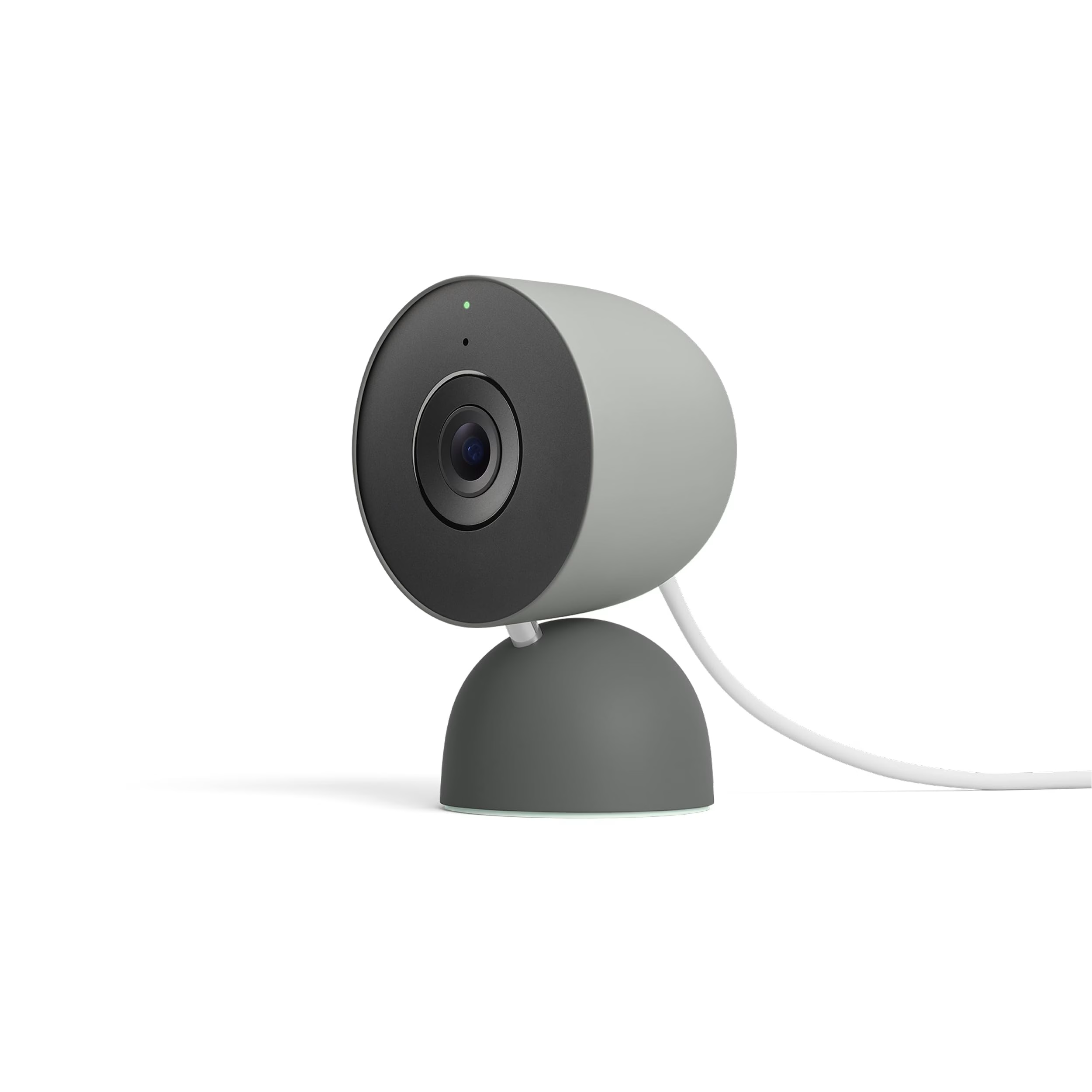
The Google Nest Cam (Indoor, Wired) is the gold standard for apartment security cameras, and for good reason. It’s sleek, unobtrusive, and deeply integrated into the Google Home ecosystem. If you already have a Nest speaker or Google Home Hub, this camera slots in seamlessly — you can pull up a live feed on your Nest Hub display just by asking.
The camera captures sharp 1080p video with HDR, and its on-device intelligence can distinguish between people, animals, and vehicles (useful if your window faces a street). You’ll get 3 hours of free event-based video history, which is modest but functional. Upgrading to Nest Aware ($8/month) extends that to 30 days of event history and adds 24/7 continuous recording.
✅ Best for: Google Home households who want a polished, reliable indoor camera with smart detection features.
⚠️ Keep in mind: 1080p feels modest in 2026, the free cloud storage tier is limited, there’s no local storage option, and there’s no Apple HomeKit support.
💰 Price range: ~$100

2. Blink Mini 2K+ — Best Wireless Camera
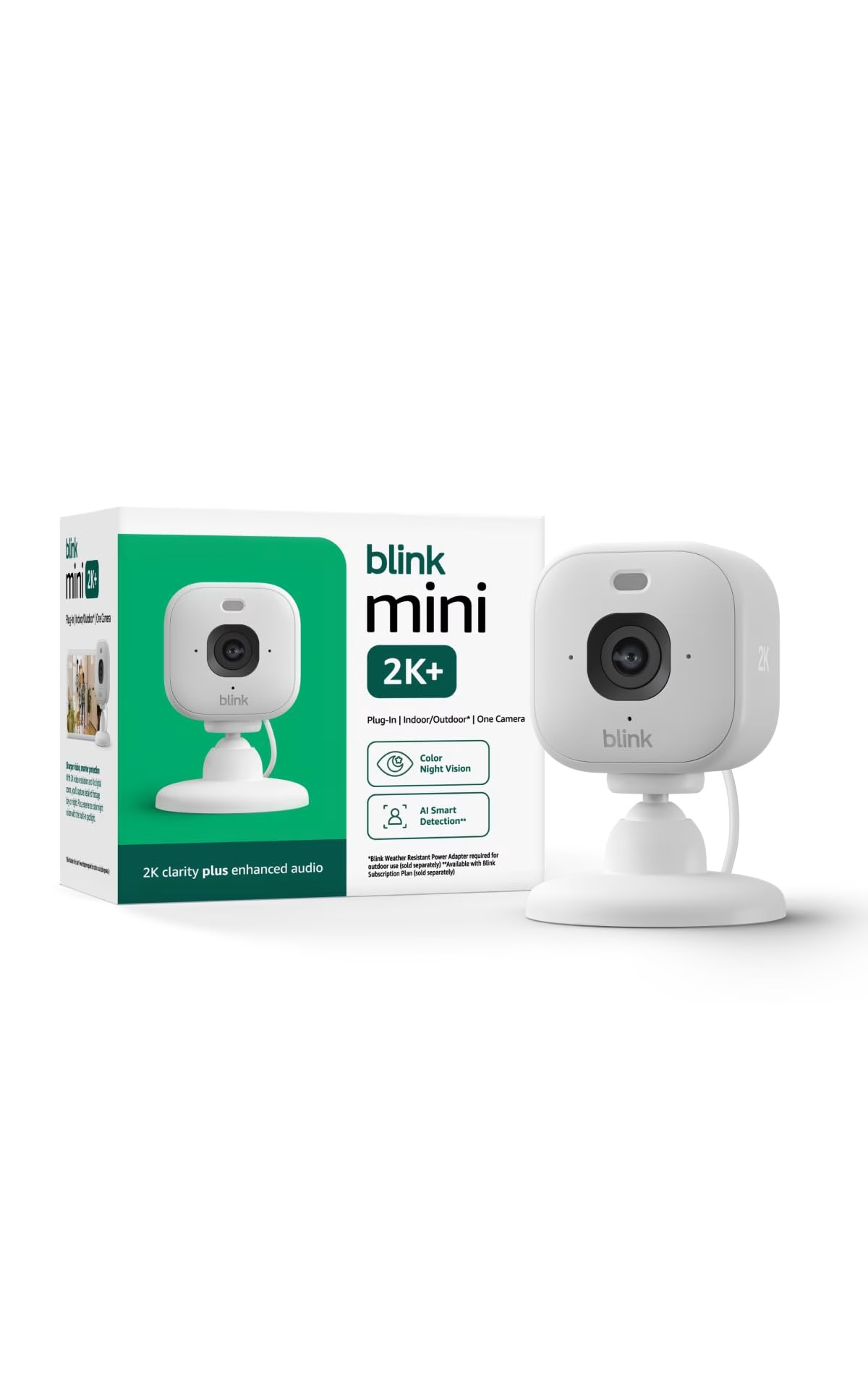
Amazon’s Blink Mini 2K+ is a tiny, affordable camera that punches above its weight. At around $40, it’s an easy entry point for apartment dwellers who want basic security without a big investment. The Mini 2K+ steps up to sharper 2K video and adds better night vision, a built-in spotlight, and weather resistance (though for indoor apartment use, that last bit is just a bonus).
The standout feature for renters? Local storage via USB. Plug a USB flash drive into the Blink Sync Module 2 (sold separately for about $35, or often bundled), and you can save clips locally — no subscription required. If you prefer cloud storage, Blink’s subscription plan starts at $3/month per camera.
✅ Best for: Budget-conscious renters who want a no-subscription option and use Amazon Alexa.
⚠️ Keep in mind: You’ll need the Sync Module 2 for local storage, it’s Alexa-only (no Google or HomeKit), and person detection requires a subscription.
💰 Price range: ~$40 (Sync Module 2 ~$35 extra if not bundled)

3. Arlo Pro 2K HDR (6th Gen) — Best Premium Pick
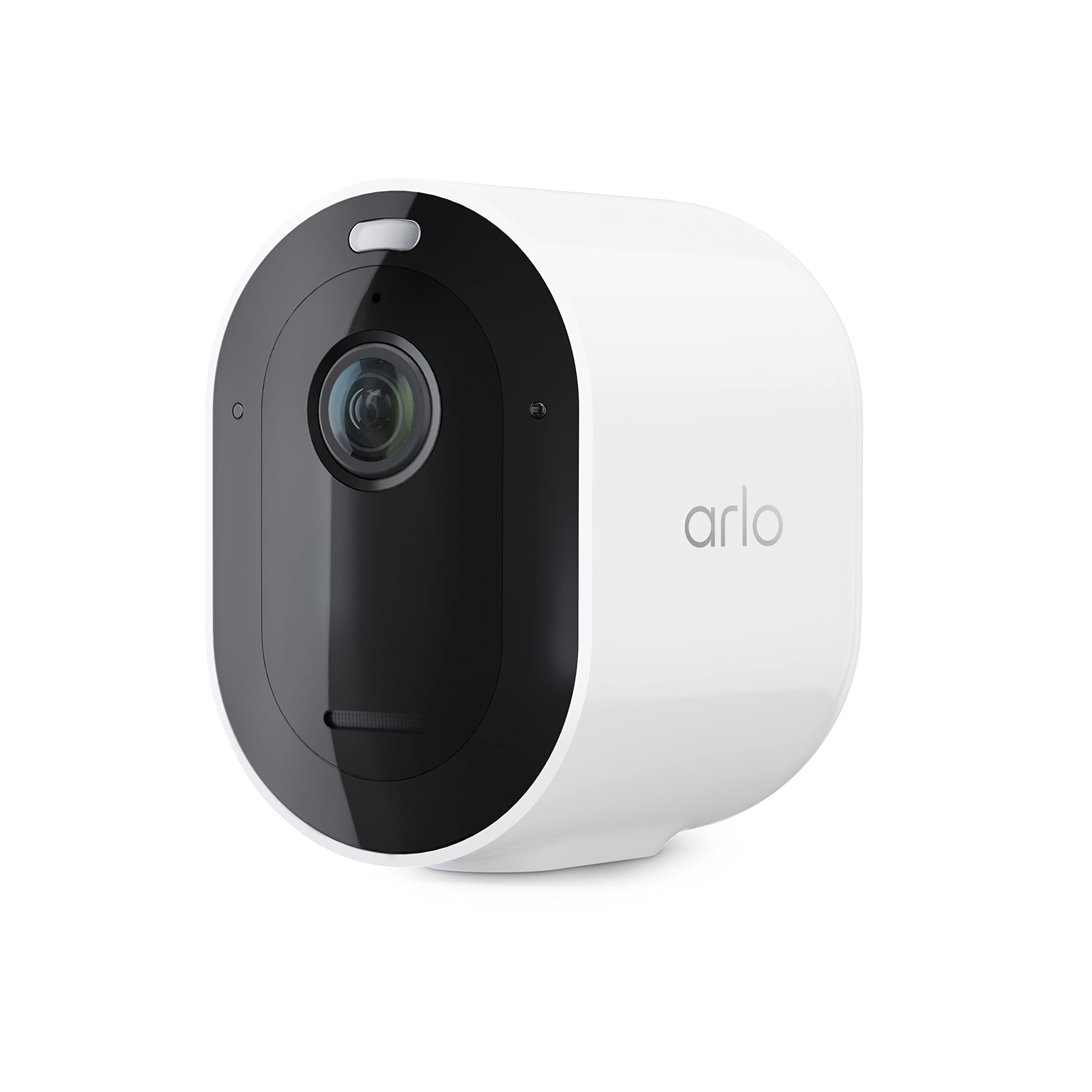
If you want the best all-around camera and don’t mind paying for it, the Arlo Pro 2K HDR (6th Gen) is hard to beat. It works indoors or outdoors, runs on a swappable rechargeable battery, shoots crisp 2K HDR video, and supports all three major smart home platforms: Alexa, Google Home, and Apple Home (HomeKit control requires an Arlo SmartHub).
For apartment use, mounting is painless, and the swappable battery means a charged spare can go in while the other tops up. The downside? Arlo really wants you on a subscription. Without the Arlo Secure plan ($7.99/month for one camera, $17.99/month for unlimited), you lose cloud recording, smart notifications, and activity zones. The hardware is premium; the ongoing cost is too.
✅ Best for: Enthusiasts and Apple HomeKit users who want top-tier video quality and maximum flexibility.
⚠️ Keep in mind: It requires a subscription for most smart features, offers no local storage option, and Apple Home support needs an Arlo SmartHub.
💰 Price range: ~$80

4. Wyze Cam v4 — Best Budget Pick
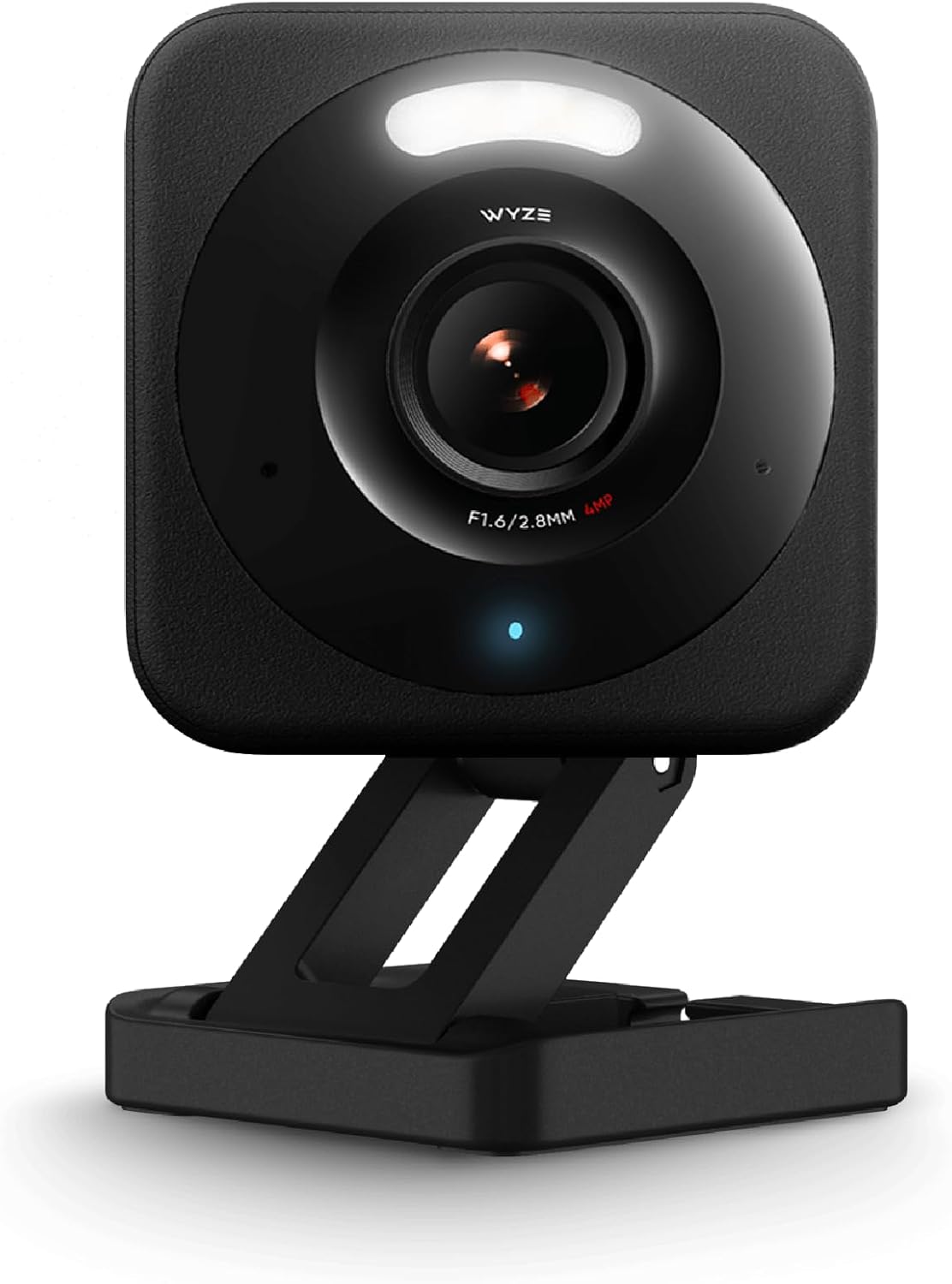
The Wyze Cam v4 continues Wyze’s tradition of delivering absurd value for the price. At around $36, you get 2.5K Quad HD resolution (better than most cameras twice its price), excellent starlight night vision powered by a larger sensor, IP65 weather resistance, and two-way audio.
Wyze is also one of the few brands that still offers a free tier of cloud storage — you get free cloud clips for Events, though they’re limited in length. For more robust storage, pop in a microSD card (up to 256GB) and record continuously 24/7 — no subscription needed. The Cam Plus plan ($2/month) adds AI-powered person, pet, and package detection. The tradeoff? The Wyze app has gotten better but can still feel cluttered, and customer support is hit or miss. But at this price, it’s genuinely hard to find a better-performing camera.
✅ Best for: Anyone who wants great video quality and local storage on a tight budget.
⚠️ Keep in mind: The app can feel cluttered, customer support could be better, and some smart features require the Cam Plus subscription. No Apple HomeKit support.
💰 Price range: ~$36

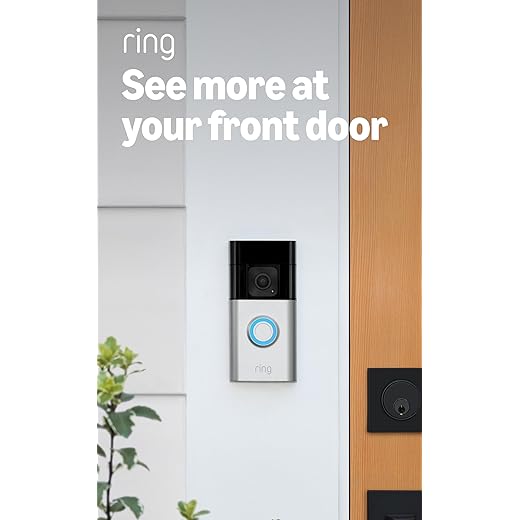
5. Ring Battery Doorbell Plus — Best Doorbell Camera for Renters
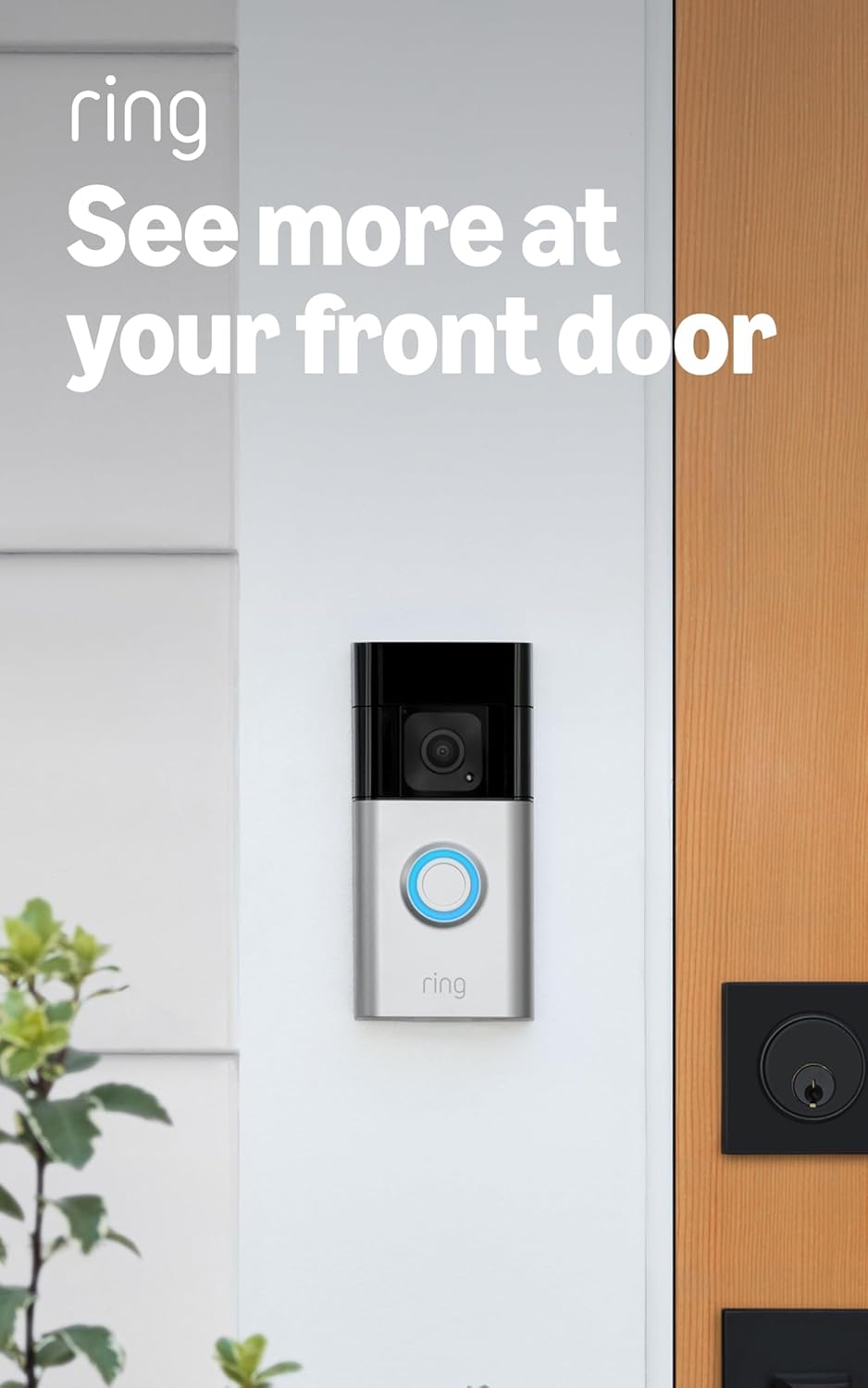
A doorbell camera is one of the best security upgrades for any apartment — you can see who’s at your door without getting up, talk to delivery drivers, and record activity in your hallway. The Ring Battery Doorbell Plus is our top pick for renters because it’s completely battery-powered (no hardwiring needed) and can be mounted using a no-drill adhesive mount or the included hardware.
The Head-to-Toe 1536p video is a nice upgrade over standard doorbells — you can see packages on the ground, not just people’s faces. It integrates tightly with Alexa (Ring is an Amazon company, after all), and if you have a Ring Chime or Echo device, they’ll announce visitors automatically. The catch: Ring has fully moved to a subscription model. Without Ring Home Basic ($4.99/month), you only get live view — no recorded clips, no person detection, no sharing. The $9.99/month Standard plan covers unlimited devices at one address (good if you pair this with a Blink camera inside).
✅ Best for: Apartment renters who want to monitor their front door without any permanent installation.
⚠️ Keep in mind: Requires a subscription for video recording, it’s Alexa-only, the battery needs recharging every 2–6 months, and some landlords may not allow hallway mounting.
💰 Price range: ~$110
6. TP-Link Tapo C225 — Best Pan-and-Tilt Camera
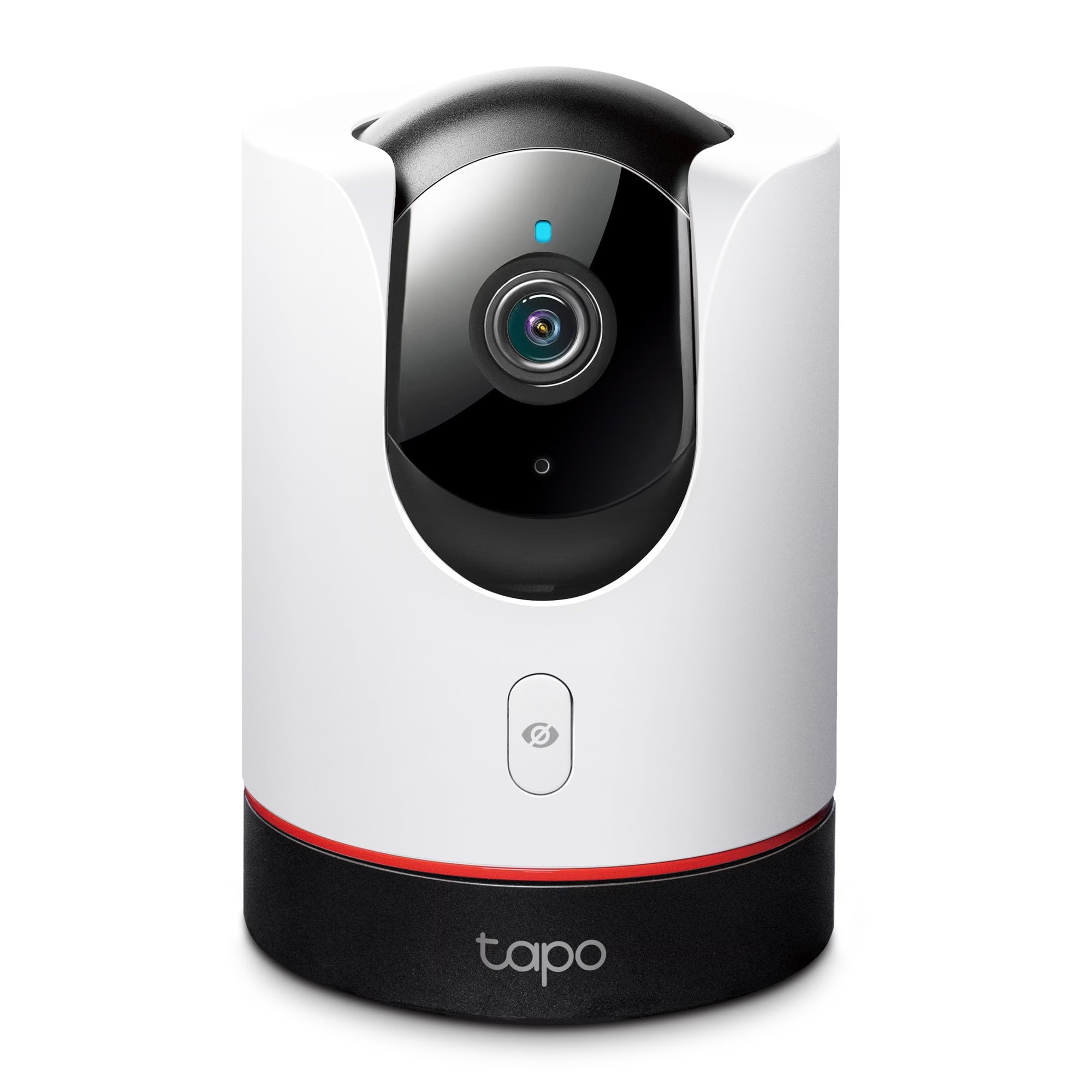
Want to cover a larger area without buying multiple cameras? A pan-and-tilt camera can rotate to follow action across a room. The TP-Link Tapo C225 offers 360° horizontal pan and 149° vertical tilt, which means one camera can effectively monitor your entire apartment living area.
It shoots in 2K, has solid AI-powered person detection and auto-tracking (the camera physically follows a moving person), and stores footage locally on a microSD card — no subscription needed. The Tapo app is clean and intuitive, and the camera works with both Alexa and Google Assistant. At around $45, it’s a remarkably capable camera. The only real downsides are the lack of HomeKit support and the fact that the motorized pan-tilt mechanism makes a slight whirring sound — something to consider if you’re placing this in a bedroom.
✅ Best for: Renters who want one camera to cover a large open-plan living space.
⚠️ Keep in mind: Slight motor noise when panning, no Apple HomeKit support, plug-in only (no battery option), and cloud storage requires a Tapo Care subscription.
💰 Price range: ~$42

Cloud vs. Local Storage: What Apartment Dwellers Should Know
This is one of the biggest decisions you’ll make, and it directly impacts your monthly costs.
Cloud Storage
Your footage is saved on the manufacturer’s servers and accessible through their app from anywhere. The convenience is real — you can review clips on your phone at work. But most brands charge $3–$13/month for cloud plans, and if you cancel, your recorded history disappears. There are also privacy considerations — you’re trusting a company with video from inside your home.
Local Storage
Cameras like the Wyze Cam v4 and Tapo C225 let you pop in a microSD card and record directly to it. No monthly fees, ever. The downside? If someone steals the camera, they take the footage with it. And you typically need to be on the same Wi-Fi network to review locally stored clips (though some apps allow remote access to the card).
Our Recommendation
For most apartment renters, we suggest a camera with local storage as the base and a cloud plan as an optional add-on. This gives you a zero-cost safety net and the flexibility to upgrade later. Wyze and Tapo are the best at this right now.
Installation Tips for Renters (No Drilling Required)
Your landlord doesn’t want holes in the walls, and frankly, neither do you when it’s time to get your security deposit back. Here’s how to set up cameras without any permanent modifications:
- Use adhesive mounts: 3M Command Strips and similar removable adhesives can hold most lightweight cameras securely. Many cameras ship with these included.
- Shelf placement: The simplest approach — set the camera on a bookshelf, kitchen counter, or window sill aimed at your entry point.
- Magnetic mounts: Cameras like the Nest Cam and Arlo Pro (6th Gen) have magnetic bases. Attach a small metal plate to a wall with adhesive, and the camera snaps right on.
- Tension-mounted poles: For corner mounting, a tension rod between two walls or shelves can give you an elevated vantage point.
- Over-the-door hooks: Perfect for positioning a camera near your front door without touching the walls.
Privacy & Legal Considerations for Apartment Cameras
Smart cameras are fantastic security tools, but it’s worth being thoughtful about how you use them, especially in a shared living environment.
Inside Your Apartment
You have every right to put cameras inside your own unit. However, if you have roommates, it’s both a legal and ethical best practice to inform them. Cameras in private spaces like bedrooms and bathrooms are a no-go if shared with others.
Shared Hallways and Exteriors
This is where it gets trickier. Recording in common areas may be restricted by your lease or local laws. Doorbell cameras that capture hallway activity are increasingly common, but some HOAs and property managers have specific policies. Always check your lease first and consider a quick conversation with your landlord — most are fine with it once you explain the security benefit.
Audio Recording
Many states have two-party consent laws for audio recording, meaning everyone being recorded needs to know about it. If your camera has a microphone (most do), either disable audio recording or post a small notice if the camera can capture conversations with visitors.
Frequently Asked Questions
Q: Can I install a security camera in my apartment if I’m renting?
A: Yes, in most cases you can install indoor security cameras in your own apartment without your landlord’s permission. They’re your personal property within your private space. For cameras that face outward — like doorbell cameras in shared hallways — check your lease agreement first. Some buildings have policies about cameras in common areas. Stick with no-drill, removable installation methods to avoid any issues with your security deposit.
Q: Do smart security cameras need Wi-Fi to work?
A: Most smart security cameras require a Wi-Fi connection for live viewing, remote alerts, and cloud storage. However, cameras with microSD card slots (like the Wyze Cam v4 and Tapo C225) can record footage locally even if your Wi-Fi goes down. You just won’t be able to access the feed remotely until the connection is restored. For apartments, a stable Wi-Fi connection is highly recommended for the best experience.
Q: What’s the best security camera for apartments with no monthly fee?
A: The Wyze Cam v4 and TP-Link Tapo C225 are our top no-subscription picks. Both support local storage via microSD card, and Wyze also offers a limited free cloud storage tier. You’ll get motion alerts, live viewing, and recorded clips without paying a dime beyond the initial hardware cost.
Q: Are wireless security cameras easy to steal?
A: Indoor cameras placed inside your locked apartment are at very low risk of theft. For doorbell cameras or any camera in a semi-public area, theft is possible but uncommon — most are visibly recording and would capture the thief on camera (and on cloud, if enabled). Cameras with cloud storage offer extra protection since footage is saved remotely even if the device is taken. You can also use security mounts and anti-theft screws for added peace of mind.
Q: Can I use a security camera with Apple HomeKit in my apartment?
A: Yes, though your options are more limited. The Arlo Pro 2K HDR (6th Gen) is our top HomeKit-compatible recommendation. It supports HomeKit Secure Video, which encrypts your footage end-to-end and stores it in your iCloud account. The Eve Indoor Cam is another HomeKit option worth considering if you’re fully invested in the Apple ecosystem.