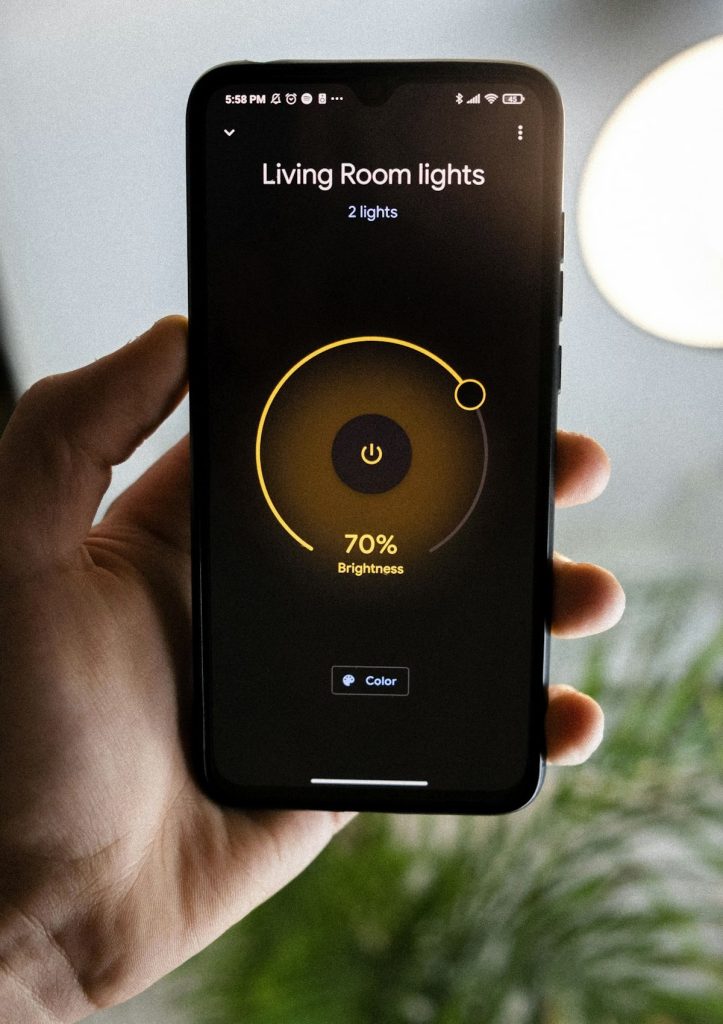
So you’ve decided to take the plunge and outfit your entire home with smart lighting — not just a single bulb in the bedroom, but the whole house. Great call. Whole-home smart lighting can transform your daily routine, slash energy bills, and make your home feel genuinely futuristic. But here’s the thing: picking the best smart lighting system for whole house coverage is a very different decision than grabbing a single smart bulb off a store shelf.
In this guide, we’ll compare seven of the best whole-house smart lighting systems available in 2026. We’ll break down what makes each one shine (pun intended), who it’s best for, and the real tradeoffs you should know about before committing. Whether you’re a total beginner or you already have a few smart devices scattered around, you’ll walk away knowing exactly which system fits your home — and your budget.
Table of Contents
- What to Look for in a Whole-House Smart Lighting System
- The 7 Best Smart Lighting Systems for Whole House (2026)
- Side-by-Side Comparison Table
- Smart Bulbs vs. Smart Switches: Which Approach Is Better?
- Tips for Setting Up Smart Lighting in Every Room
- Frequently Asked Questions
- Final Verdict: Which System Should You Choose?
What to Look for in a Whole-House Smart Lighting System
Before we jump into specific products, let’s talk about what actually matters when you’re lighting up an entire home — not just a single room.
Scalability
A single smart bulb is easy. Thirty of them? That’s a different story. You need a system that can handle dozens (or even hundreds) of devices without slowing down or dropping connections. Look for systems with a dedicated hub or ones that use mesh networking protocols like Zigbee, Z-Wave, or Thread.
Ecosystem Compatibility
If you already use Alexa, Google Home, or Apple HomeKit, your lighting system needs to play nicely with that ecosystem. Most major systems support at least two of the three, but compatibility depth varies. Some systems integrate deeply with routines and automations; others just offer basic on/off voice control.
Reliability
Wi-Fi bulbs are fine for a lamp or two, but when you scale up to a whole house, Wi-Fi congestion becomes a real issue. Systems that use Zigbee, Z-Wave, or Thread communicate on separate radio frequencies, which means they won’t compete with your Netflix stream for bandwidth.
Switch vs. Bulb Approach
This is a big decision. Smart bulbs give you color and color-temperature control per bulb, but they stop working if someone flips the physical switch off. Smart switches and dimmers replace your wall switches, controlling existing (dumb) bulbs — more practical for families, but you typically lose per-bulb color control. We’ll dig deeper into this below.
Budget
Outfitting a whole house gets expensive fast. A typical three-bedroom home might have 30–50 light fixtures. At $15 per smart bulb, that’s $450–$750 in bulbs alone. Smart switches can be more cost-effective per fixture (especially for multi-bulb fixtures like chandeliers), but they have higher per-unit costs. Factor in the hub if one is required.
The 7 Best Smart Lighting Systems for Whole House (2026)
Here are our top seven picks, each with a different strength. We’ve tested, researched, and compared these systems specifically for whole-house use — not just single-room convenience.
1. Lutron Caséta — Best for Whole-House Reliability
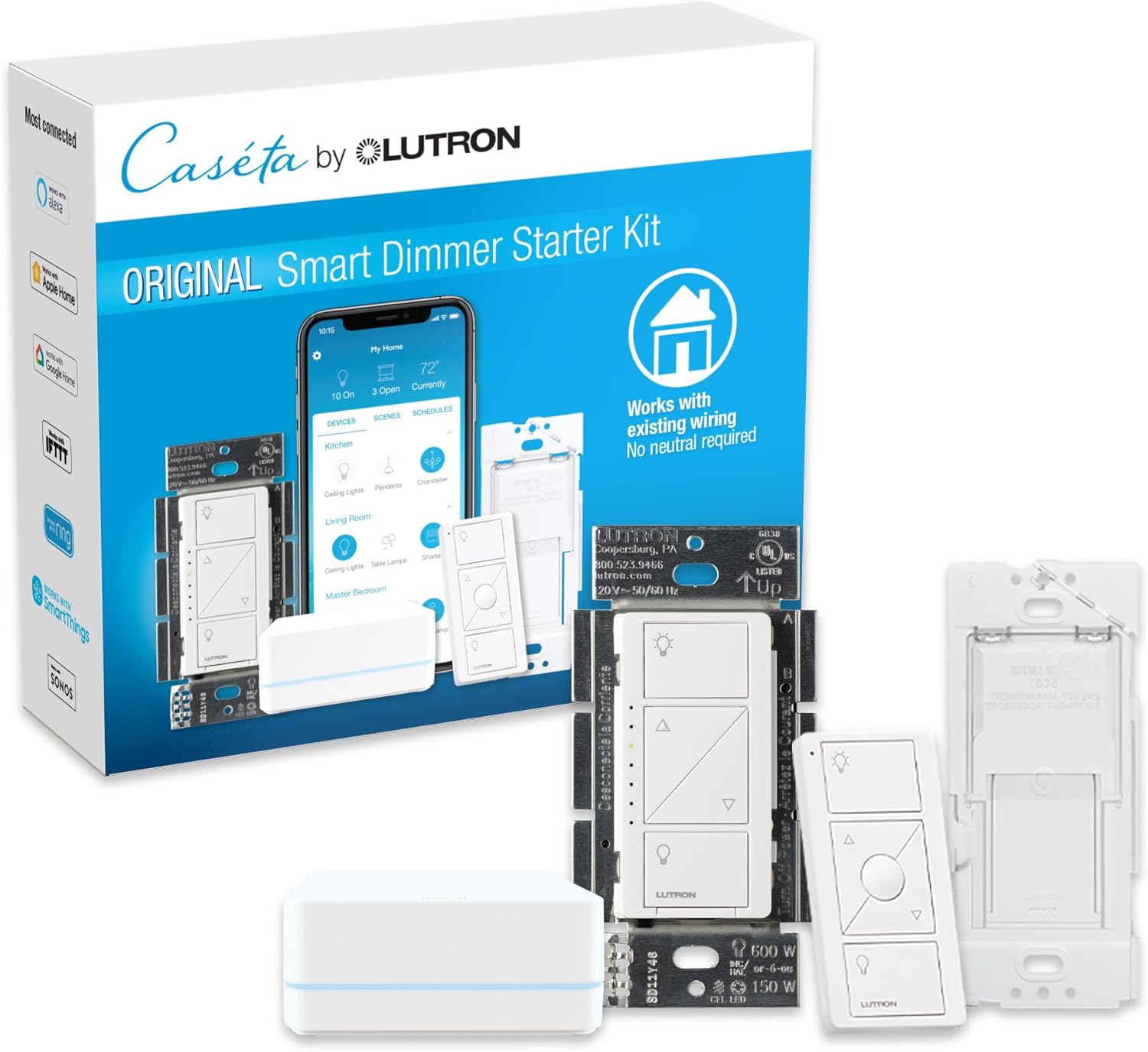
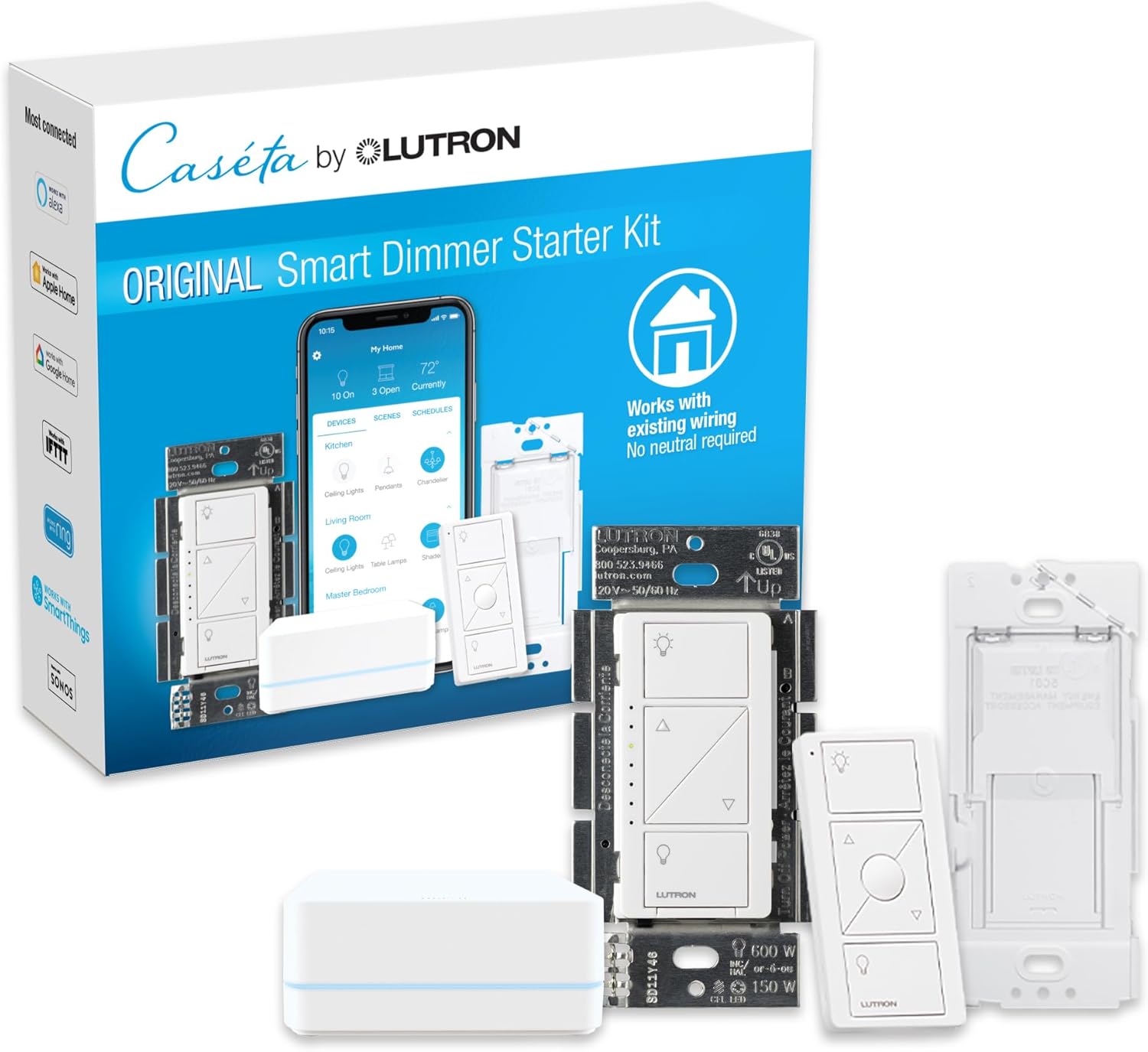
If we had to recommend one system for a homeowner who just wants rock-solid smart lighting across their entire house, it’s Lutron Caséta. Period. Lutron uses its own proprietary wireless protocol called Clear Connect, which operates on a completely separate frequency from Wi-Fi, Zigbee, and Z-Wave. The result? Virtually zero interference and industry-leading reliability.
The Caséta system is switch-based, meaning you replace your existing wall switches and dimmers with Lutron dimmers and switches. This approach is ideal for whole-house deployments because it works with your existing bulbs, it doesn’t care if someone uses the physical switch, and it scales beautifully — the Smart Bridge hub supports up to 75 devices. Caséta works with Alexa, Google Assistant, Apple HomeKit, and Sonos, among many others. The Pico remote controls are a standout feature — they’re small, battery-powered remotes you can mount anywhere as a faux switch. Professional electricians and smart home installers routinely name Lutron as their go-to recommendation.
✅ Best for: Homeowners who value reliability above all else, families who don’t want to worry about “don’t flip that switch!” problems, and anyone who prefers a switch-based approach.
⚠️ Keep in mind: No color-changing bulbs. No per-bulb control. The Smart Bridge hub is required (around $100). Individual dimmers run about $55–$65 each.
💰 Price range: $1,750–$2,050 for a typical 30-fixture home (including hub).

2. Philips Hue — Best for Color and Customization
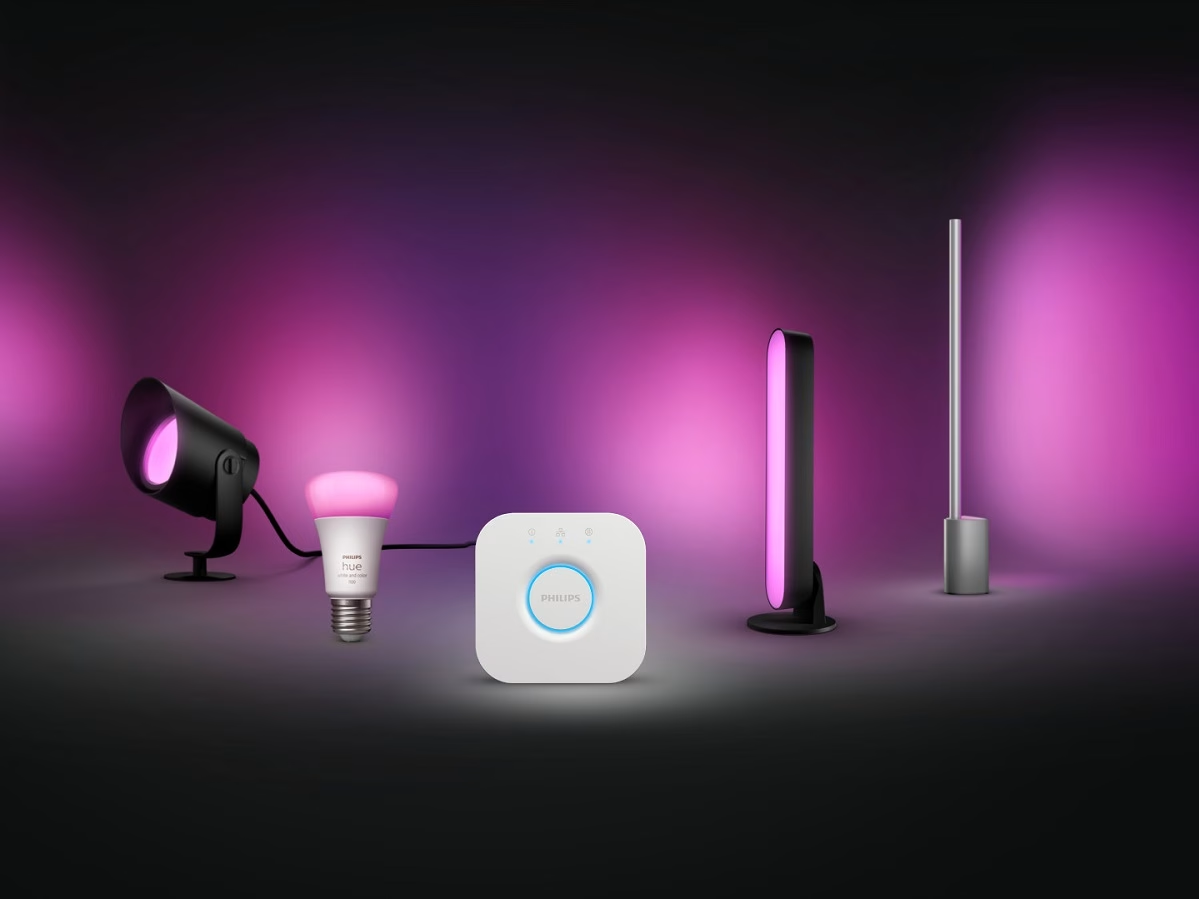
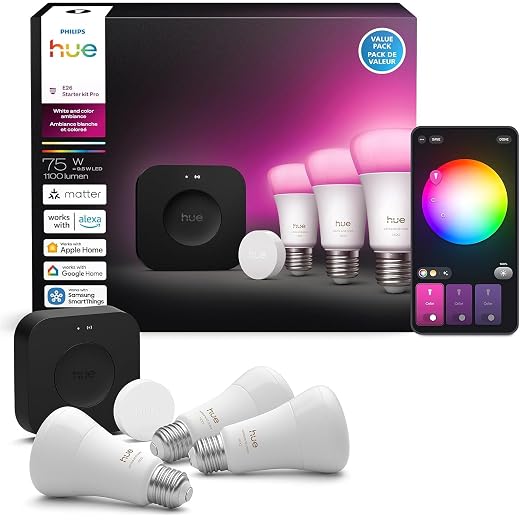
When most people think “smart lighting,” they think Philips Hue — and for good reason. Hue offers the broadest product lineup of any smart lighting brand: standard bulbs, light strips, outdoor fixtures, pendant lights, recessed cans, and even gradient ambient lamps. If you want 16 million colors in every room, Hue is the system to beat.
Hue runs on the Zigbee protocol and requires the Hue Bridge hub, which supports up to 50 lights (you can add a second bridge for larger homes). The app is mature and polished, with excellent scene-creation tools, room grouping, and automation options. Hue also supports Matter over Thread via software updates, future-proofing your investment. The big downside for whole-house use? Cost. Outfitting every fixture with Hue bulbs gets expensive — color bulbs run $40–$50 each, and even white-ambiance bulbs are around $25. You also have to contend with the “dumb switch” problem: if a family member flips the wall switch off, the smart bulb loses power and becomes unresponsive. Hue sells a wall switch module to mitigate this, but it’s an added cost and installation step.
✅ Best for: Enthusiasts who want the ultimate color and scene customization, homes where ambiance is a priority, and users who want the largest smart lighting product ecosystem.
⚠️ Keep in mind: Expensive at scale. The dumb-switch problem requires workarounds. Hub limited to 50 bulbs per bridge.
💰 Price range: $800–$1,500 for a typical 30-fixture home (including hub).
3. Lutron RadioRA 3 — Best Premium/Professional System
Lutron RadioRA 3 is the big brother of Caséta. It supports up to 200 devices per system, includes keypads and occupancy sensors, and integrates with professional home automation platforms like Control4 and Savant. It also uses Lutron’s Clear Connect Type X protocol for incredibly reliable whole-house performance.
RadioRA 3 now supports a DIY-friendly processor alongside professional installation options, making it more accessible than previous RadioRA generations. You get all the reliability benefits of Lutron in a system designed from the ground up for large-home, whole-house deployments.
✅ Best for: Larger homes (4+ bedrooms), homeowners doing major renovations, and anyone who wants a professional-grade system they can expand for years.
⚠️ Keep in mind: Significantly more expensive than Caséta. Some components still require or strongly benefit from professional installation. Overkill for a small apartment or starter home.
💰 Price range: $3,000–$5,000+ for a typical installation.
4. GE Cync Smart Switches + Bulbs — Best Budget-Friendly System
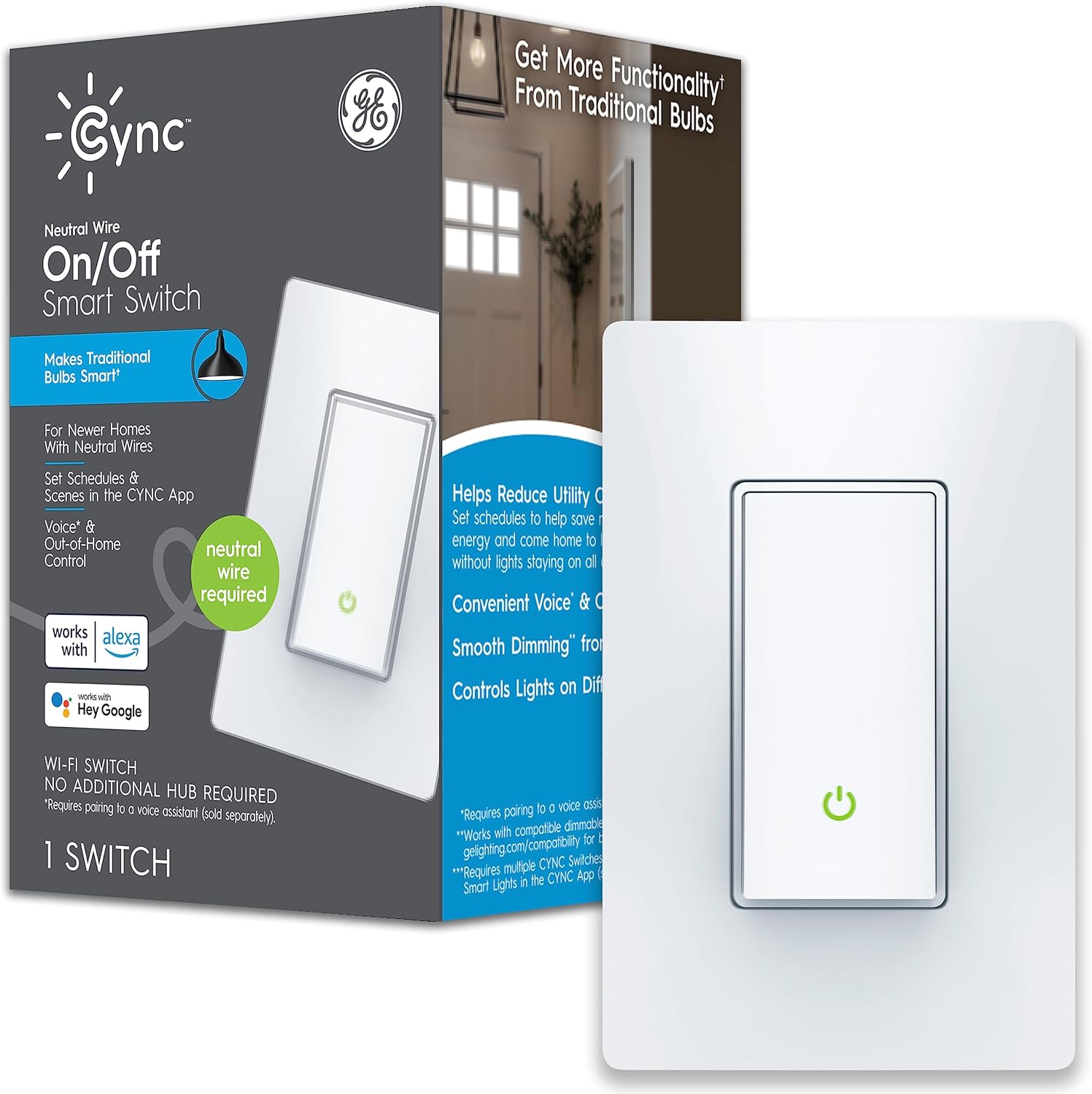
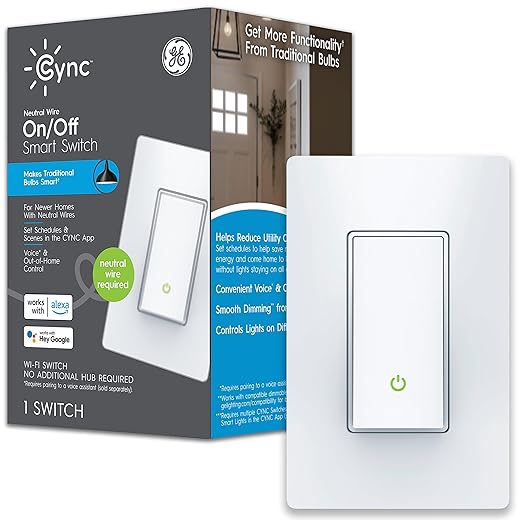
GE Cync (formerly C by GE) offers one of the most affordable paths to whole-house smart lighting. Their smart switches start around $20–$30, and their smart bulbs are among the cheapest on the market at $8–$12 per bulb. Everything connects over Wi-Fi and Bluetooth, so there’s no hub required.
The Cync app lets you group lights by room, create schedules, and set up simple automations. The system works with Google Assistant and Alexa, and select products now support Matter. For a homeowner on a tight budget who just wants basic smart control — on/off, dimming, schedules, and voice commands — Cync gets the job done without breaking the bank.
✅ Best for: Budget-conscious homeowners, first-time smart home adopters, and anyone who doesn’t need advanced automations or color-changing features in every room.
⚠️ Keep in mind: Wi-Fi-based, so reliability may suffer at scale (consider a good mesh router). The app is functional but not as polished as Hue or Lutron. Fewer product options compared to Hue.
💰 Price range: $400–$700 for a typical 30-fixture home.
5. Treatlife Smart Switches + WLED — Best for DIY Enthusiasts
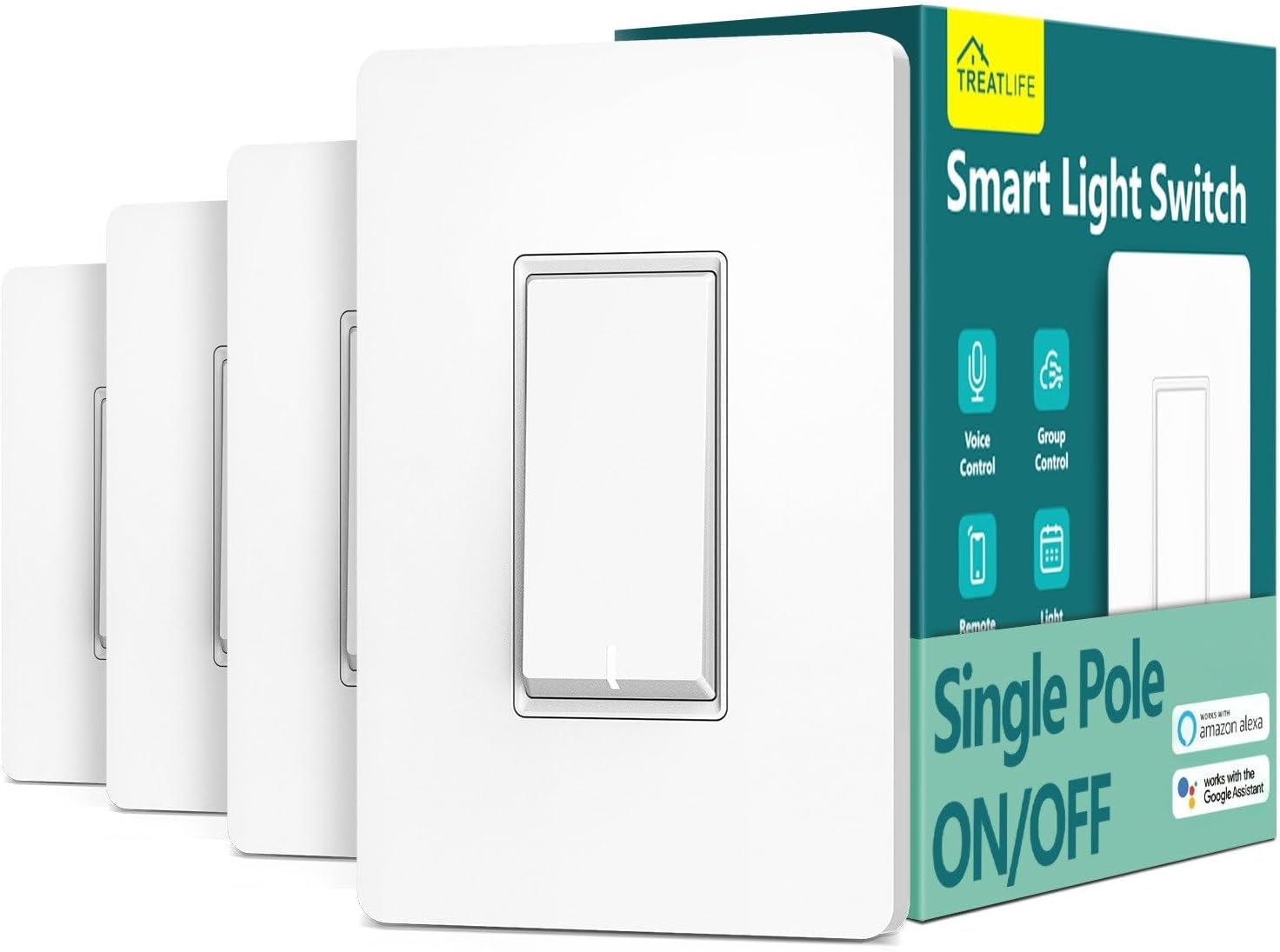
Here’s an unconventional pick. If you’re handy and enjoy tinkering, combining Treatlife smart switches (which are affordable Tuya-based Wi-Fi switches, often flashable with open-source firmware) with WLED-compatible LED strip controllers for accent lighting gives you an incredibly flexible and customizable whole-house setup.
Treatlife switches run $15–$20 each and work with Alexa and Google Assistant out of the box. If you flash them with open-source firmware, they integrate beautifully with Home Assistant for local control without any cloud dependency. Pair that with WLED for accent and indirect lighting, and you have a system that’s as powerful as anything at a fraction of the cost.
✅ Best for: DIY enthusiasts, Home Assistant users, and techies who want maximum control and local processing.
⚠️ Keep in mind: Not plug-and-play. Requires comfort with wiring switches, possibly flashing firmware, and setting up a home automation platform. Not ideal for non-technical users.
💰 Price range: $350–$600 for a typical 30-fixture home.

6. Samsung SmartThings + Zigbee Bulbs — Best for Integration Junkies
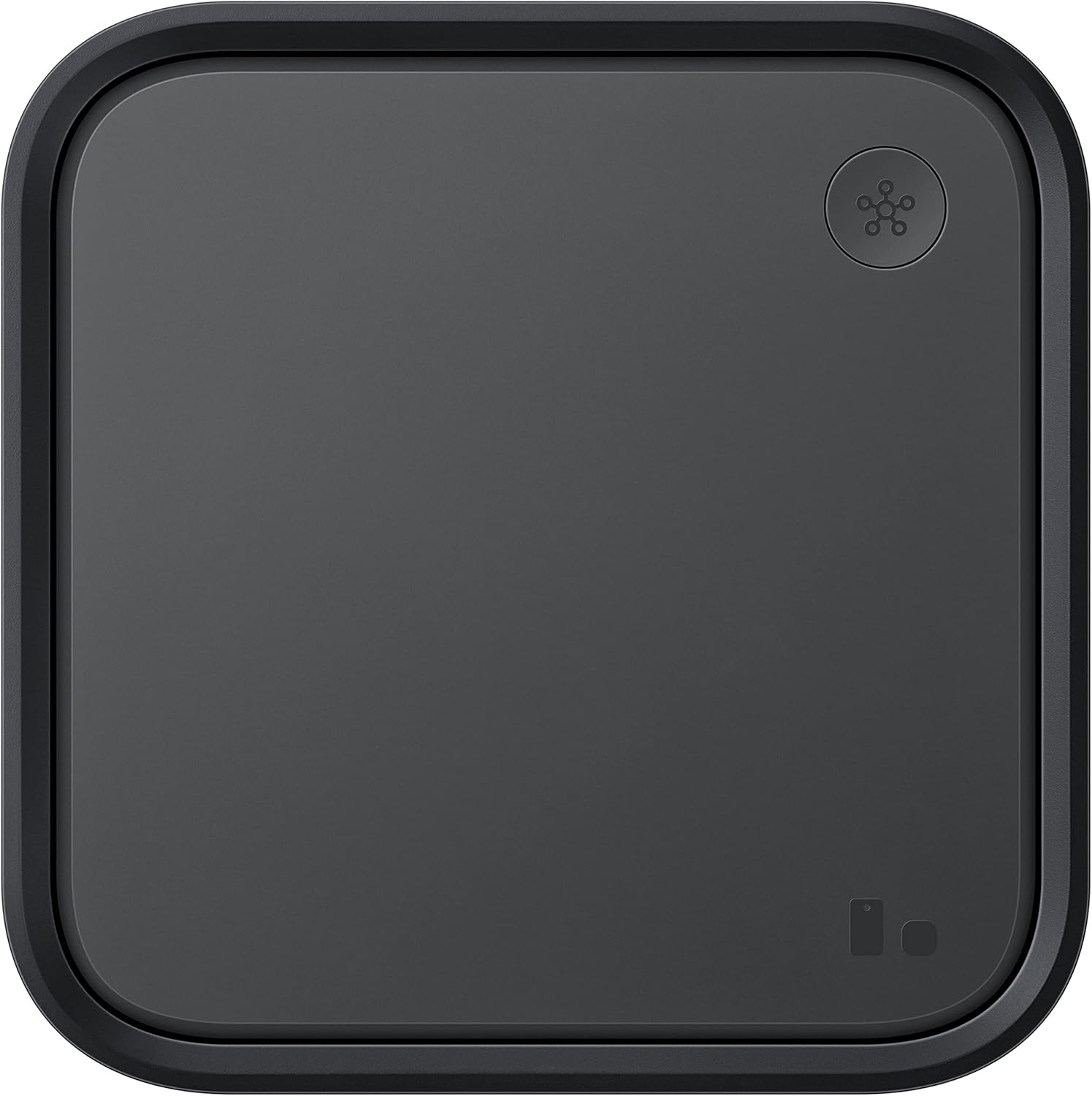
If your smart home is a mix of many different brands and protocols, Samsung SmartThings serves as an excellent central brain. The SmartThings hub (now often built into Samsung TVs and appliances) supports Zigbee, Z-Wave, Matter, and Thread — meaning you can mix and match affordable Zigbee bulbs (like Sengled or Innr) with Z-Wave switches, and control everything from one app.
For whole-house lighting, this is powerful. You can use budget Zigbee bulbs in bedrooms and closets, Z-Wave dimmers in the kitchen and living room, and Hue bulbs for accent lighting in the media room — all unified under SmartThings. The automation engine (SmartThings Routines) is capable and user-friendly.
✅ Best for: Users who want to mix and match brands and protocols, existing SmartThings users expanding to whole-house, and people who like having a universal control hub.
⚠️ Keep in mind: Cloud-dependent for most automations (reliability concern). The platform has gone through several transitions over the years, which has shaken some users’ trust. Setup can be more complex than single-brand systems.
💰 Price range: $500–$1,000 for a typical 30-fixture home (including hub).

7. Nanoleaf Essentials + Matter — Best for Apple HomeKit Users
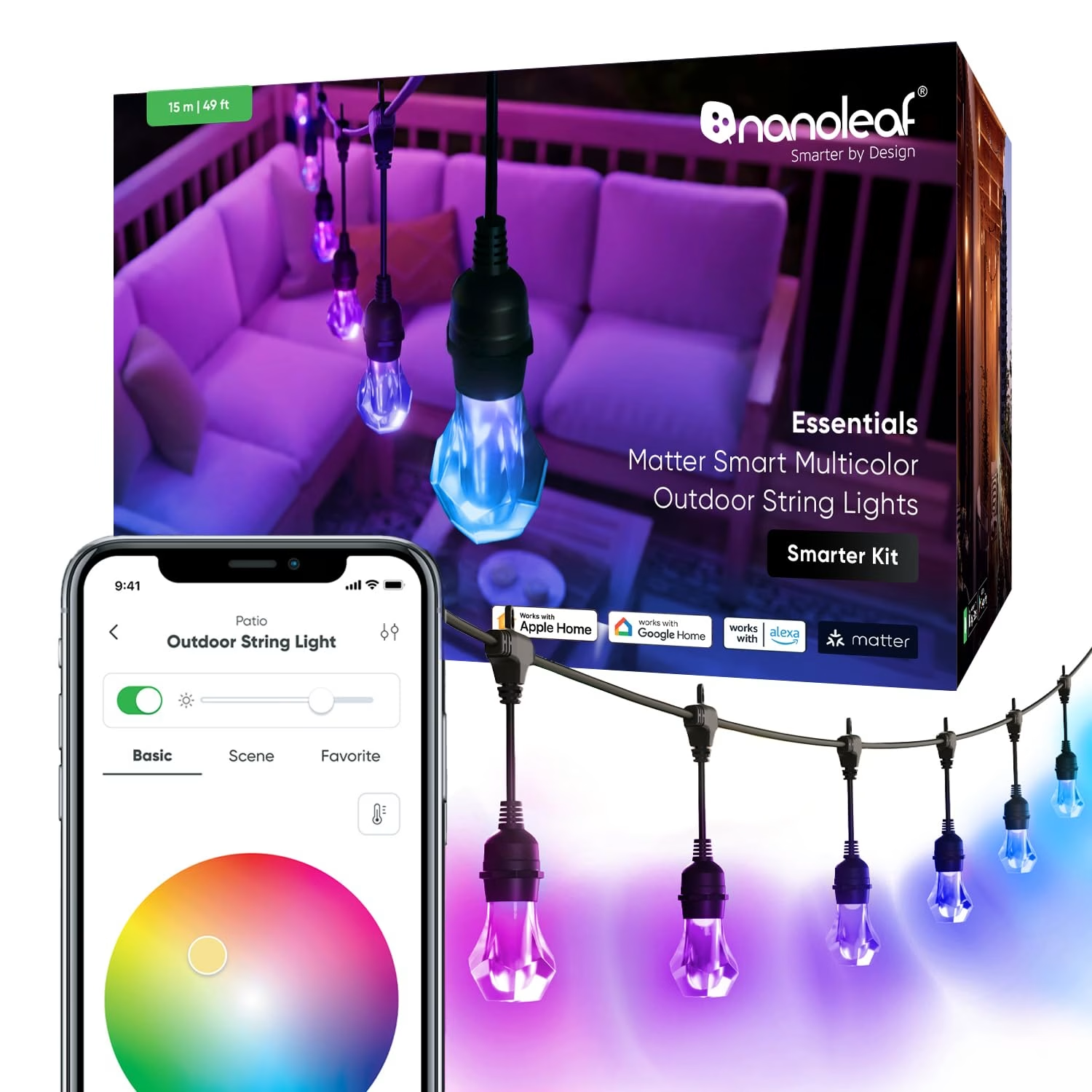
Nanoleaf Essentials bulbs and light strips use Thread, the low-power mesh networking protocol that Apple championed through HomeKit. If you’re deep in the Apple ecosystem — HomePods, Apple TV, iPhones — Nanoleaf Essentials is one of the most seamless and affordable options for whole-house smart lighting with full color support.
Thread-enabled devices create a mesh network that gets stronger as you add more devices, which is ideal for scaling to a whole house. There’s no proprietary hub required — your Apple TV or HomePod mini acts as the Thread border router. Nanoleaf Essentials bulbs support 16 million colors and tunable white, and they’re priced competitively at around $20–$30 per bulb.
✅ Best for: Apple HomeKit households, users who want hub-free Thread networking, and anyone looking for affordable color bulbs that scale well.
⚠️ Keep in mind: Best experience requires Apple ecosystem devices (HomePod, Apple TV). The Nanoleaf app is decent but not as refined as Hue’s. Limited switch/dimmer options compared to Lutron.
💰 Price range: $500–$700 for a typical 30-fixture home.

Side-by-Side Comparison Table
Here’s how all seven systems stack up across the factors that matter most for whole-house smart lighting:
| System | Type | Protocol | Hub Required? | Max Devices | Color Options | Voice Assistants | Approx. Cost (30 fixtures) |
|---|---|---|---|---|---|---|---|
| 🏆 Lutron Caséta | Switches/Dimmers | Clear Connect | Yes | 75 | Dimming only | Alexa, Google, Siri | $1,750–$2,050 |
| Philips Hue | Bulbs | Zigbee | Yes | 50 per bridge | Full RGB + tunable white | Alexa, Google, Siri | $800–$1,500 |
| Lutron RadioRA 3 | Switches/Keypads | Clear Connect Type X | Yes | 200 | Dimming only | Alexa, Google, Siri | $3,000–$5,000+ |
| GE Cync | Bulbs + Switches | Wi-Fi/Bluetooth | No | No hard limit | Select bulbs: full color | Alexa, Google | $400–$700 |
| Treatlife + WLED | Switches + LED strips | Wi-Fi | No (optional HA) | Router-dependent | WLED strips: full RGB | Alexa, Google | $350–$600 |
| SmartThings + Zigbee | Mixed | Zigbee/Z-Wave/Matter | Yes | 200+ | Depends on bulbs chosen | Alexa, Google, Siri (via Matter) | $500–$1,000 |
| Nanoleaf Essentials | Bulbs + Strips | Thread/Matter | No (Apple TV/HomePod) | Network-dependent | Full RGB + tunable white | Siri, Alexa, Google | $500–$700 |
Note: Cost estimates assume a typical 3-bedroom home with ~30 controllable fixtures. Actual costs vary based on fixture types, multi-bulb fixtures, and whether you install yourself or hire an electrician.
Smart Bulbs vs. Smart Switches: Which Approach Is Better for Whole House?
This is the single biggest decision you’ll make, and honestly, the right answer for most homes is both. Here’s the breakdown:
The Case for Smart Switches
Smart switches and dimmers replace your existing wall toggle or dimmer switch. They control whatever bulb is in the fixture — standard LEDs, incandescents, whatever. The biggest advantage for whole-house use is practicality: the physical switch always works. Your kids, your in-laws, your house guests — nobody needs to learn a new system. They flip the switch, the light works.
Smart switches also shine (literally) with multi-bulb fixtures. Got a chandelier with eight bulbs? One $50 smart switch controls all eight. That’s way cheaper than eight $40 smart bulbs.
The Case for Smart Bulbs
Smart bulbs give you per-bulb control over brightness, color temperature, and (with RGB bulbs) millions of colors. Want warm, dim lighting in the bedroom at night and energizing daylight-white in the morning? A tunable-white smart bulb does that. Want your media room to glow purple during movie night? You need color bulbs for that.
Smart bulbs also don’t require any wiring. You screw them in and connect them via an app. For renters or anyone uncomfortable with electrical work, that’s a huge plus.
The Best Whole-House Strategy: A Hybrid Approach
Here’s what we recommend for most homes:
- Smart dimmers/switches for overhead lighting in kitchens, bathrooms, hallways, garages, and closets — anywhere you just need on/off/dim control and where reliability matters most.
- Smart bulbs for bedrooms (tunable white for sleep/wake routines), accent lighting, living room lamps, and any space where color or color-temperature control adds real value.
- Smart plugs for floor lamps and table lamps that don’t justify the cost of a smart bulb.
Tips for Setting Up Smart Lighting in Every Room
Once you’ve chosen your system, here are room-by-room tips for getting the most out of your whole-house smart lighting:
Kitchen
Go with smart dimmers here. Kitchens typically have multiple fixture types (recessed cans, under-cabinet, pendant), and you want reliable, instant control. A Lutron Caséta or GE Cync dimmer on each circuit works great. Add motion-activated scenes so lights come on at 100% during the day and 30% at night for midnight snack runs.
Living Room
This is where a hybrid approach shines. Use a smart dimmer for the main overhead light and smart bulbs (tunable white or color) in lamps for mood lighting. Create “Movie Night,” “Reading,” and “Entertaining” scenes.
Bedrooms
Tunable white smart bulbs are a game-changer in bedrooms. Set warm, dim light (2200K) for wind-down time in the evening and gradually shift to bright, cool light (4000K+) for wake-up routines. Philips Hue and Nanoleaf both offer excellent sunrise simulation through their apps.
Bathroom
Smart dimmers work best here — you don’t need color-changing bulbs in the bathroom (usually). A motion sensor that turns on the light at 10% brightness at night is a luxury you’ll never want to give up.
Exterior / Porch
Use smart switches for porch lights and set schedules based on sunset/sunrise. If you want color for holidays, Philips Hue Outdoor or Nanoleaf outdoor bulbs are good options. Consider integrating with your Ring or Nest doorbell camera to flash lights when motion is detected.
Hallways and Stairs
Smart switches with motion sensors are ideal. Nobody remembers to turn off the hallway light, and nobody wants to fumble for a switch on the stairs at 2 AM. Lutron’s occupancy sensors or a SmartThings-connected motion sensor can automate this perfectly.